Social Media Marketing

AI-powered content scheduler

Schedule AI-generated content for Instagram, Facebook, TikTok, and more — all directly from BrixPOS.
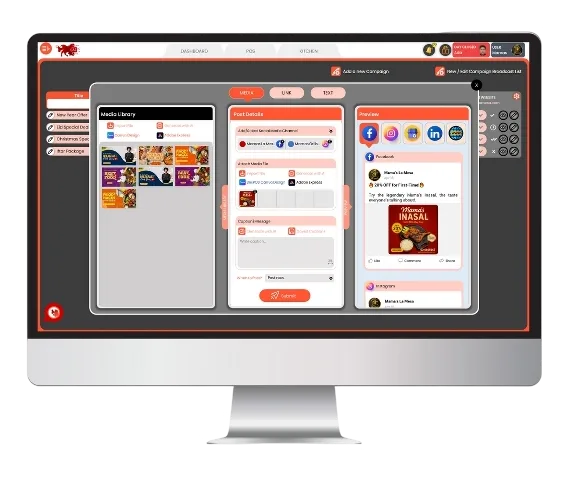
BrixPOS Social mockup screen

Discover WHY BrixPOS is Your Restaurant's Best Friend

Target Icon
BrixPOS Sync

Auto-pull offers from POS

Sync discounts, deals, and combos from BrixPOS into ready-to-share social media posts - no duplicate entry required.

Caption generator in BrixSocial
AI Caption Generator

Write promo text in seconds

Enter your offer or idea - BrixSocial AI generates catchy restaurant-focused captions with tone, urgency, and emojis.

Canva adobe in BrixSocial
Canva + Adobe Express

Create designs like a pro

Design visuals inside Canva or Adobe Express directly from BrixSocial - edit, save, and use instantly.

Chatgpt rewriter in BrixSocial
ChatGPT Rewriter

Polish content with AI

Use BrixPOS built-in ChatGPT assistant to rewrite or improve your social media post text in real-time.

Scheduled autoposting in BrixSocial
Scheduled Auto Posting

Plan and post automatically

Schedule posts for Instagram, Facebook, TikTok, and YouTube in advance - publish even while offline.

Hashtag engine in BrixSocial
Smart Hashtag Engine

Auto-suggested trending tags

Let AI recommend top-performing hashtags based on your food category, campaign theme, or post intent.

Template gallery in BrixSocial
Template Gallery

Designs for every occasion

Choose from hundreds of restaurant-ready templates - categorized by cuisine, season, promo type, or event.

Multioutlet posting in BrixSocial
Multi-Outlet Posting

Custom post per branch

Create one post, then customize captions or offers for each outlet - perfect for franchises or multi-location restaurants.

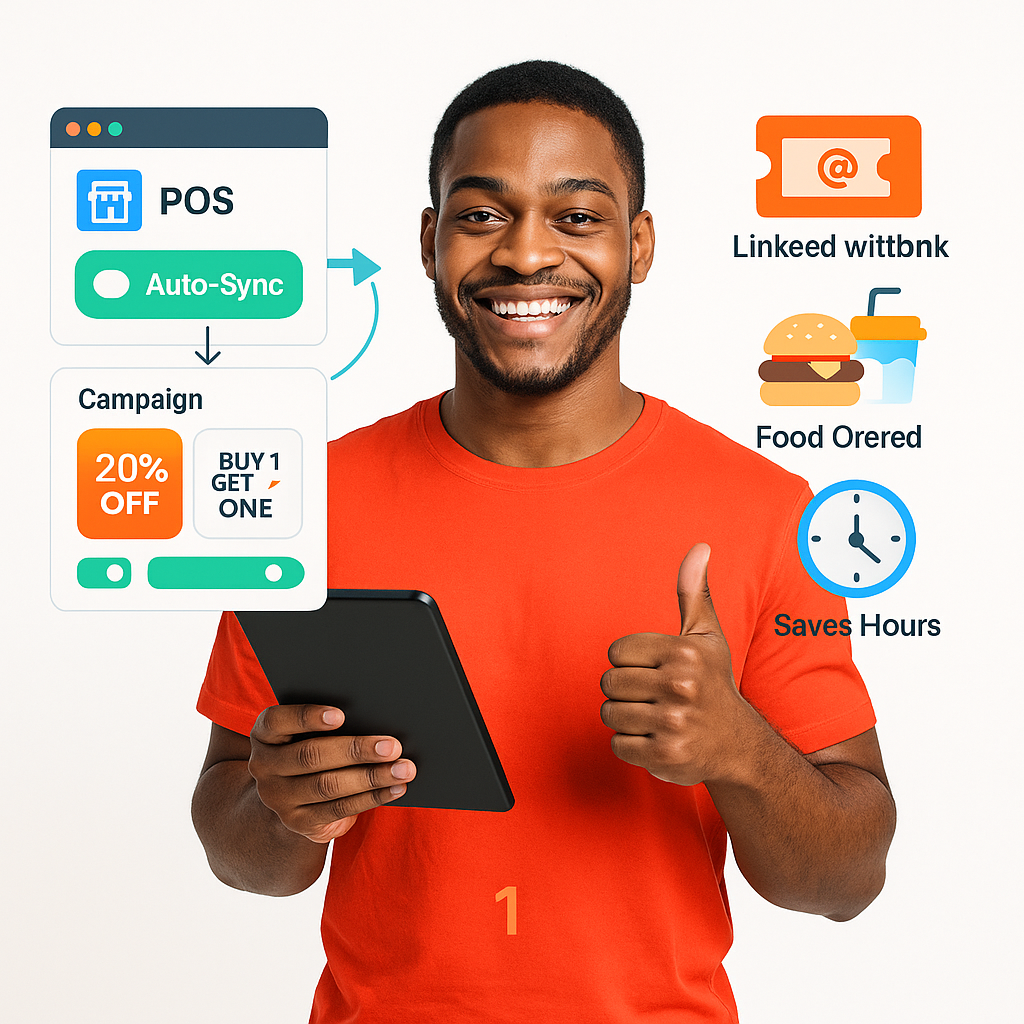
Auto-Sync Deals from BrixPOS

Fetches live discounts, combos, and special offers from BrixPOS and turns them into ready-to-post social media promotions.
  • Pull offers from POS
  • Syncing in real-time
  • No manual entry needed
  • Auto-converts into promos
  • Auto-applies promos/discounts
  • Linked with coupon system
  • Saves time and effort
BrixPOS

Instant AI-Powered Post Captions

Type your idea or promo and get ready, customer-ready social captions in your preferred tone.
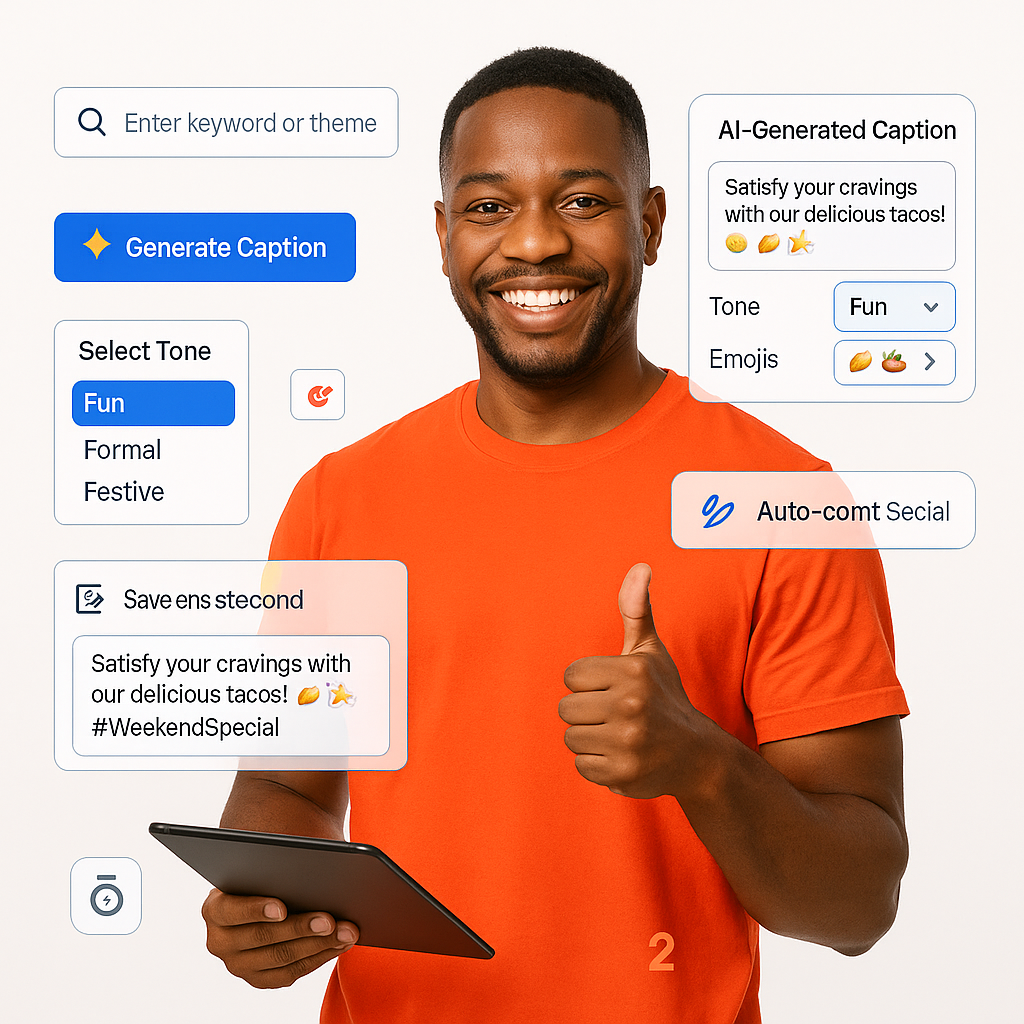
  • Enter keyword theme
  • Captions generated in seconds
  • Tone choice: fun, formal, festive
  • Auto-converts into posts
  • Optimized for food content
  • Works with POS offers
  • Preview and edit easily
Post Captions

Built-in Canva/Adobe Design Access

Create or edit stunning visuals using Canva or Adobe integration directly within BrixSocial – no external login required.
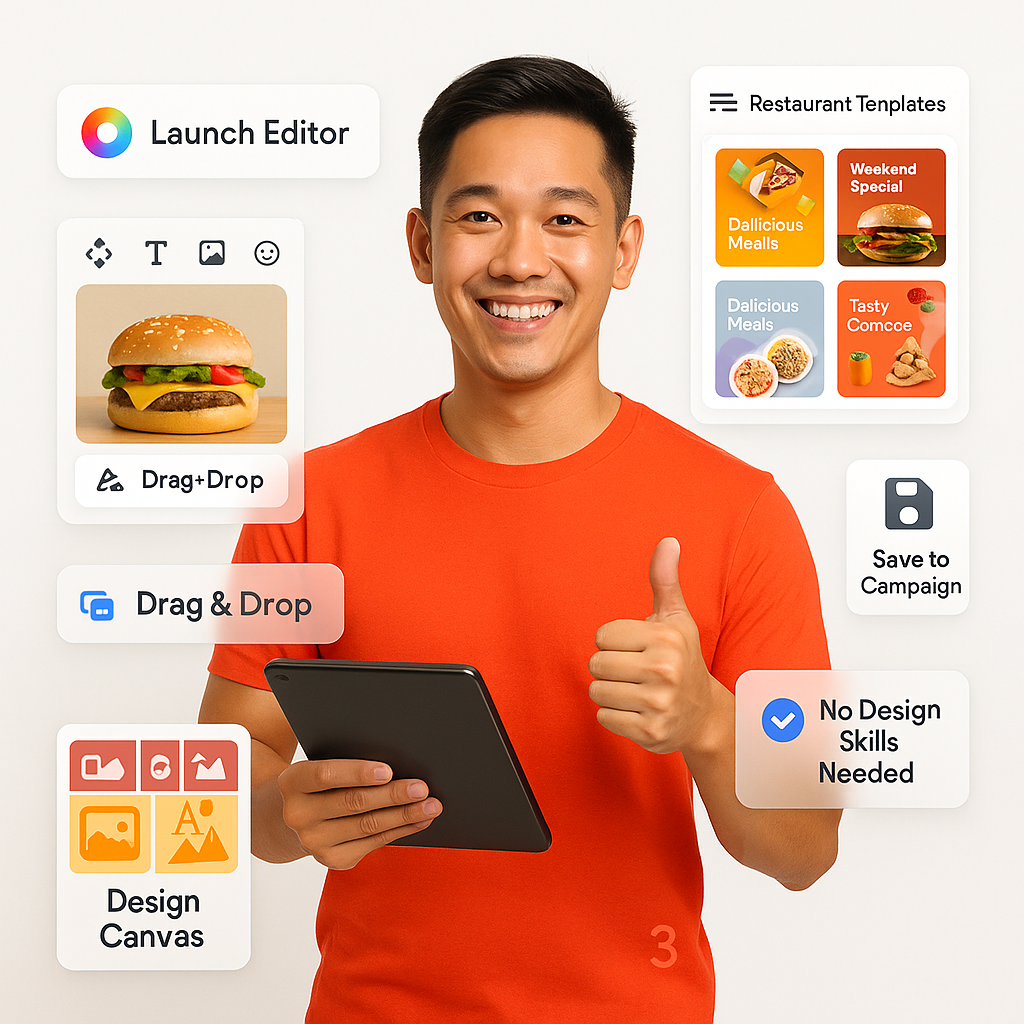
  • Link Canva/Adobe inside tool
  • Access restaurant templates
  • Brand-aligned designs editor
  • Add text, logo, stickers
  • Enhanced graphics editing
  • Visual calendar included
  • Save directly to campaign
Design Access

ChatGPT Caption Refinement Tool

Let ChatGPT improve your captions, making tone-optimized suggestions – perfect for last-minute polishing.
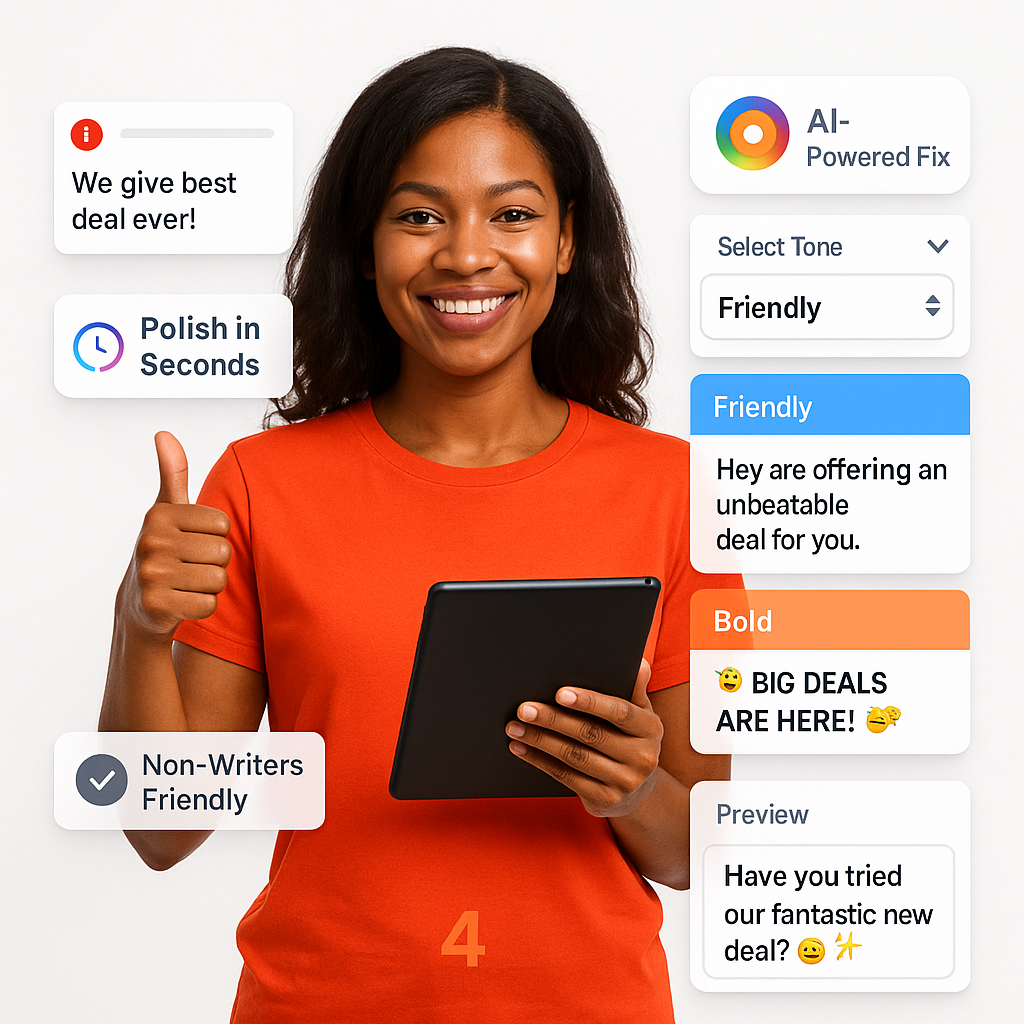
  • Paste your caption or idea
  • Get AI 3-phase edits
  • Pick tone: friendly or formal
  • Fixes grammar, tone instantly
  • Food styling and copy planning
  • Works for real menu offers
  • Saves time for non-writers
Refinement Tool

Multi-Platform Auto Post Scheduler

Schedule social posts to go live on Facebook, Instagram, Google, or YouTube without needing to log in manually.

  • Pick date and time
  • Post across all platforms
  • Supports reels, stories, posts
  • Post even while offline
  • Boosts organic reach
  • Works across all media
  • Edit or reschedule anytime
Post Scheduler

AI-Recommend Hashtag Suggestions

Automatically suggests top-performing hashtags per dish category, event, or seasonal promotion type.

  • Hashtag grouping in real-time
  • Season and dish-based hashtags
  • Brand-specific hashtag clusters
  • Fixed starter hashtag list
  • No need keyword skills
  • Works for real-time promotions
  • Visual calendar included
Suggestions

Restaurant-Focused Template Library

Browse and customize thousands of post templates built specifically for food, offers, combos, and event promotions.

  • Templates by category
  • Festive and seasonal designs
  • Branch-specific or national
  • Boosts organic reach
  • Optimized for social platforms
  • Maintain brand flexibility
  • Save directly to campaigns
Template Library

One-click Per Restaurant Branch

Create one post and then personalize for each outlet-specific deals, wording, or visuals in one go.
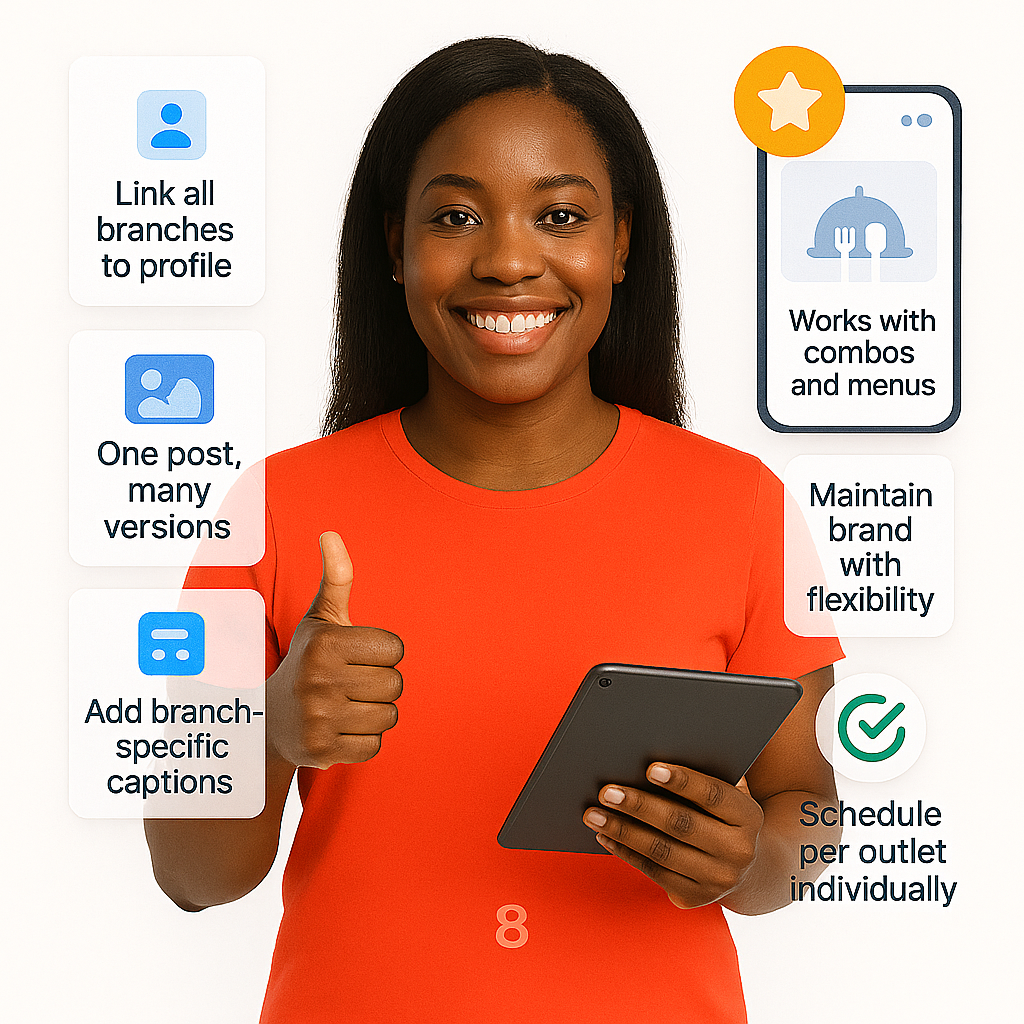
  • Link all branches to profile
  • Branch-specific offers
  • Group posts tracking
  • Copy-paste into other branches
  • Templates adapt colors instantly
  • No graphics skills needed
  • Duplicate past campaigns easily
Branch

Multi-Day Promo Campaign Organizer

Group posts by campaign theme, time them in a calendar – great for festivals or launches.
  • Name and tag each campaign
  • Scheduled across multiple days
  • Group posts for tracking
  • Perfect for event promos
  • Filters across campaigns
  • Add notes to events
  • Save and reuse visuals
Organizer

Visual Editor for Fast Designs

Customize images, add text, logos, and drag-drop interface – no design skills required.
  • Drag images, logos, text
  • Auto-format restaurant-themed stickers
  • Color palette friendly
  • Resize for each platform
  • Resize images automatically
  • Works with all templates
  • Boosts Instagram engagement
Fast Designs

Build Stunning Reels or Stories

Create social-ready content for Reels or Stories – includes timers, music placeholders, and vertical auto-resize.
  • Pre-sized for vertical view
  • Music-ready placeholders included
  • Story/reel templates
  • Use story/reel templates
  • Graphic templates available
  • Great for visual promotions
  • Boosts reach without clutter
Stories

Post in Two Languages Easily

Craft bilingual posts (e.g., English + Arabic) for audiences in the UAE and beyond.
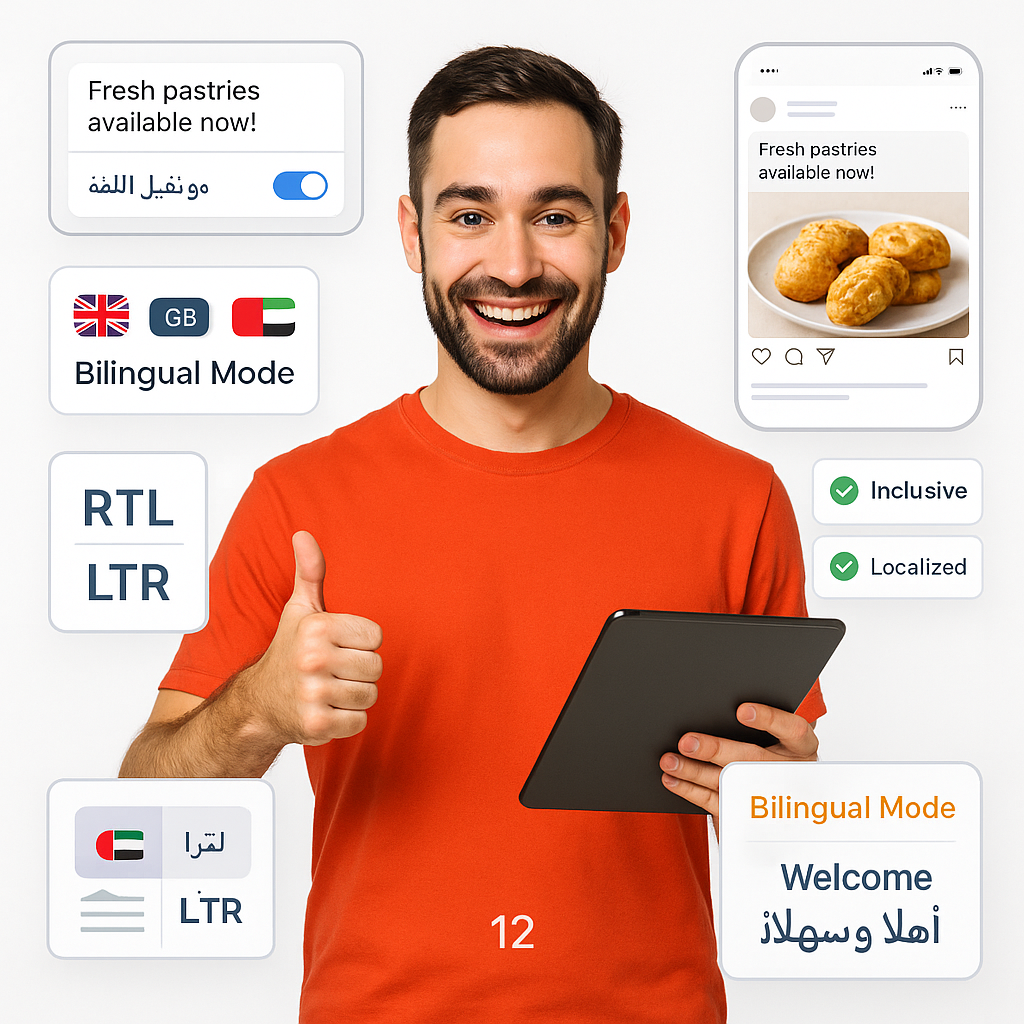
  • English and Arabic supported
  • RTL & LTR layout options
  • Two local scripts
  • Visuals handle both scripts
  • Boosts inclusiveness
  • Ready for Reels, Stories, Posts
  • Saves hours on redesign
Easily

Pre-Built Emoji Caption Boosters

Access curated food, emotion, and promotions emojis to spice up your captions and improve engagement effortlessly.
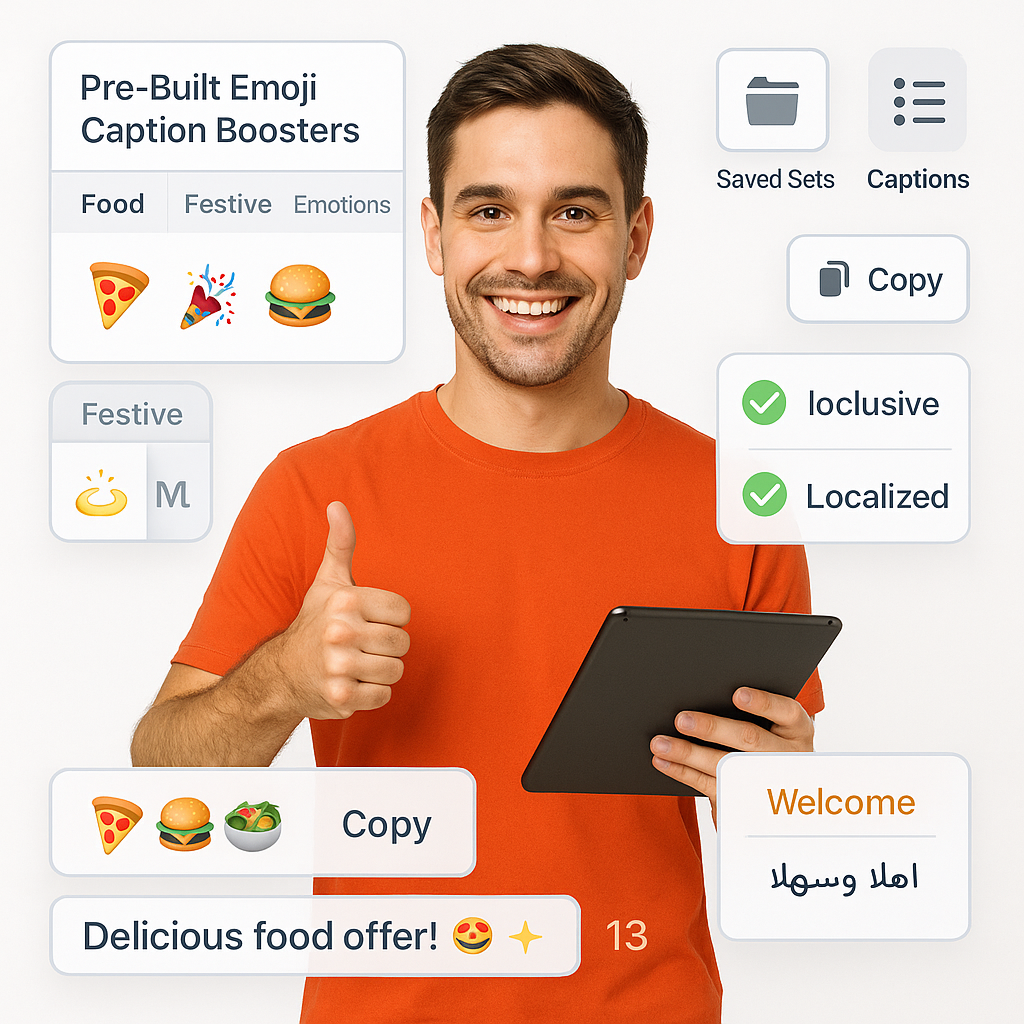
  • Food and dining emoji sets
  • Emoji sorted by category
  • Copy-paste into captions
  • Great for consistency
  • Stores preferred color presets
  • Boosts engagement easily
  • Ready for quick promotions
Caption Boosters

Duplicate & Reuse Post Templates

Quickly duplicate your designs for minor edits, and reuse them across new dates or outlets.
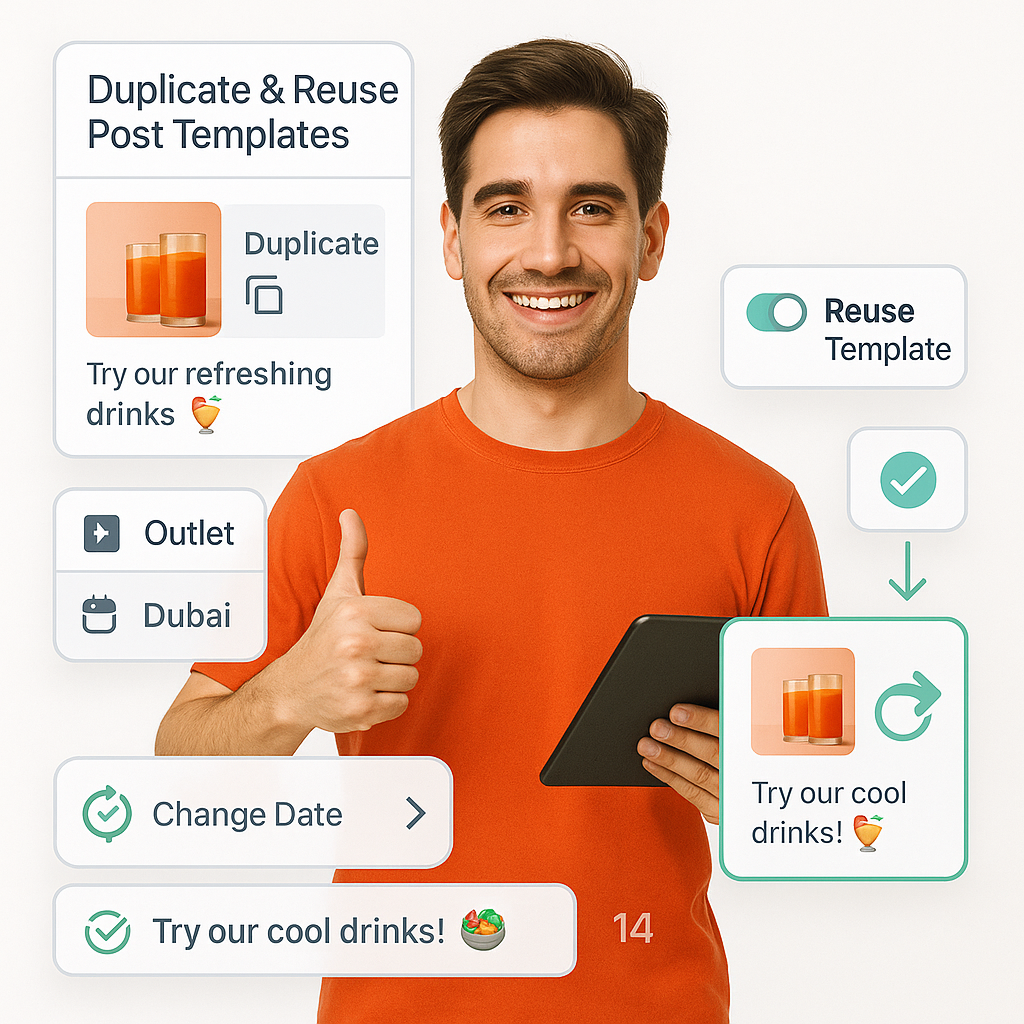
  • One-click duplicate existing
  • Edit caption or image easily
  • Retain all formats and tags
  • Apply to other branches
  • Pick from template gallery
  • No design software needed
  • Boosts reusing ability
Post Templates

Match Posts to Brand Colors

Automatically detect your logo or theme colors and prepare matching templates and promotional visuals for a unified look.
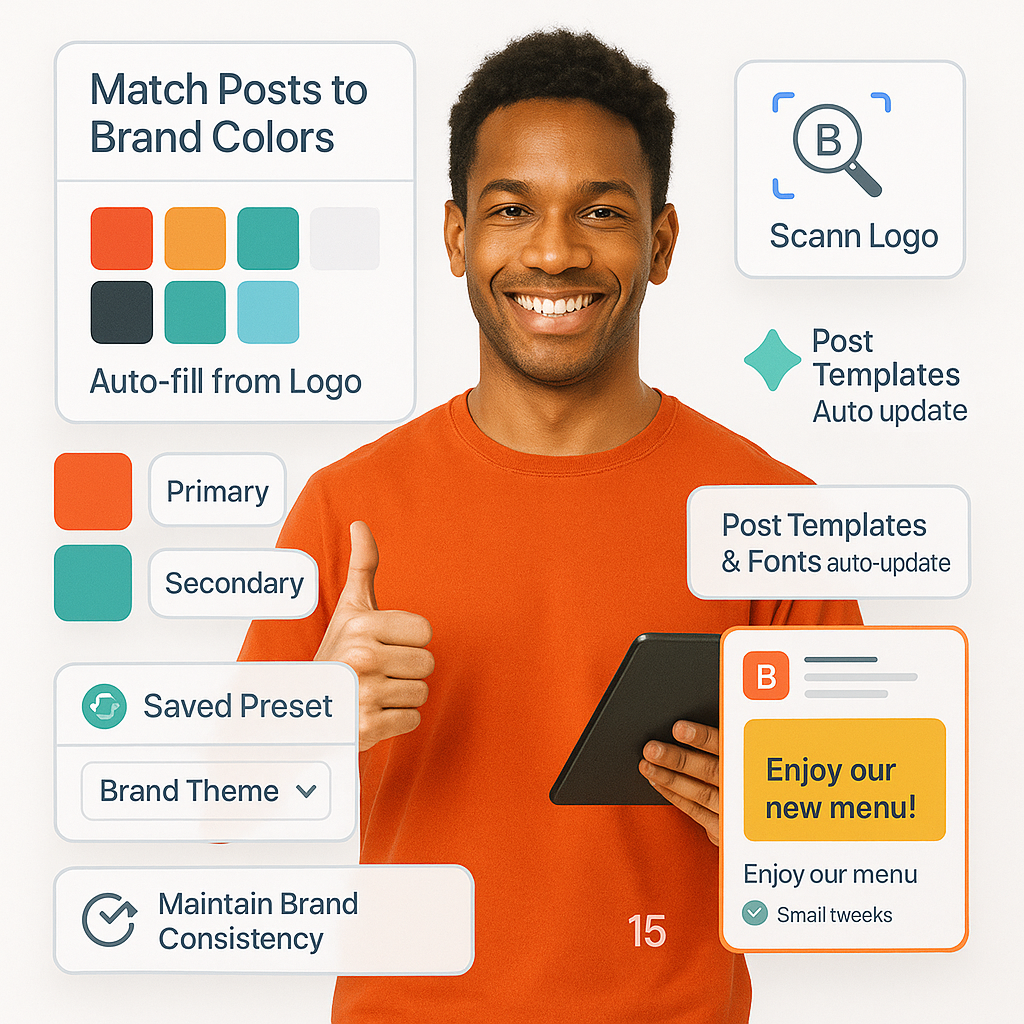
  • Auto-detect from logo upload
  • Auto-fill branding colors
  • Primary and secondary colors
  • Maintain brand consistency
  • Seasonal promos easily adapted
  • Stores preferred color sets
  • Looks professional and aligned
Brand Colors

Type-Post Instagram & FB Stories

Schedule your Stories to publish at the best time across Facebook and Instagram – no need to upload manually.
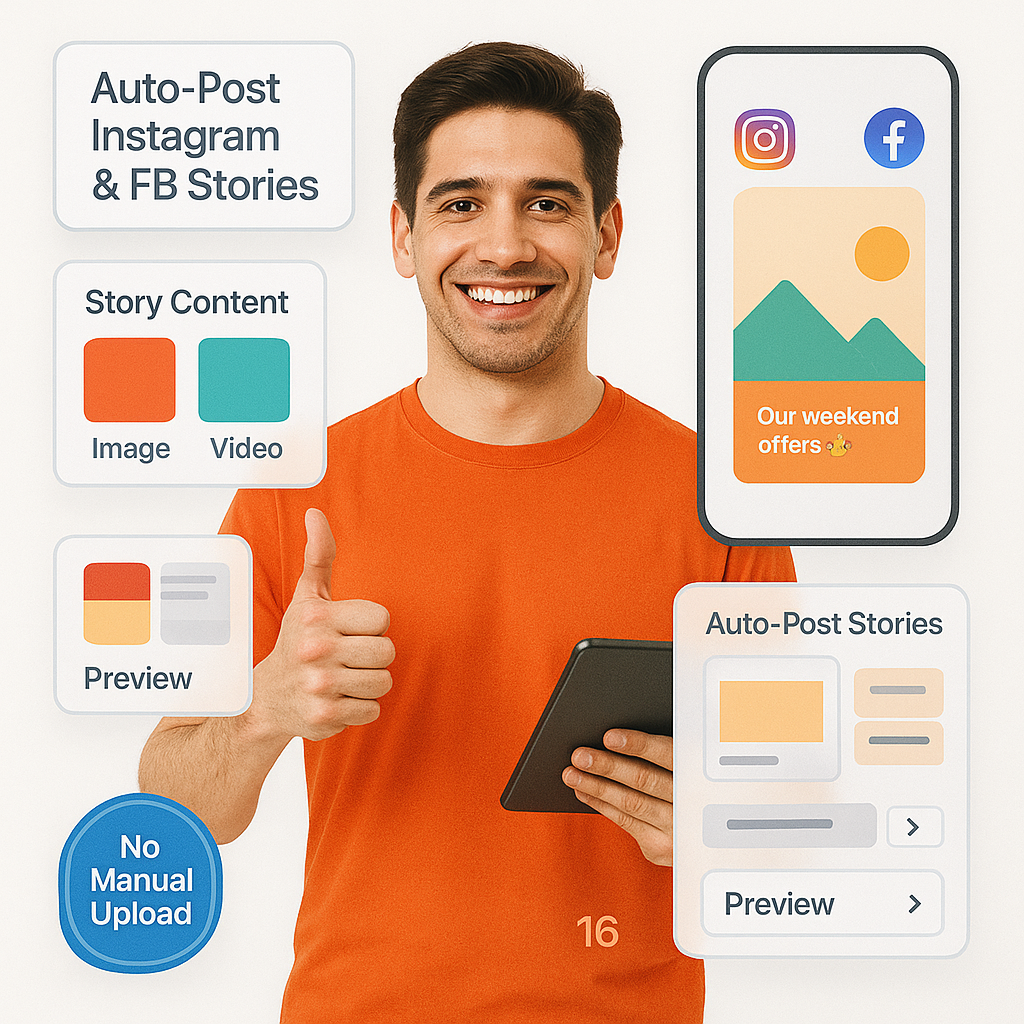
  • Schedule story content
  • Supports image and video stories
  • Add logo, text, promo badge
  • Great for daily quick promos
  • Preview before replacing text
  • Supports GIFs, PNGs, MP4
  • Safe delegation of tasks
FB Stories

Vertical Story Layout Templates

Access story-specific templates optimized for vertical screens, with space for text, stickers, and CTA overlays.
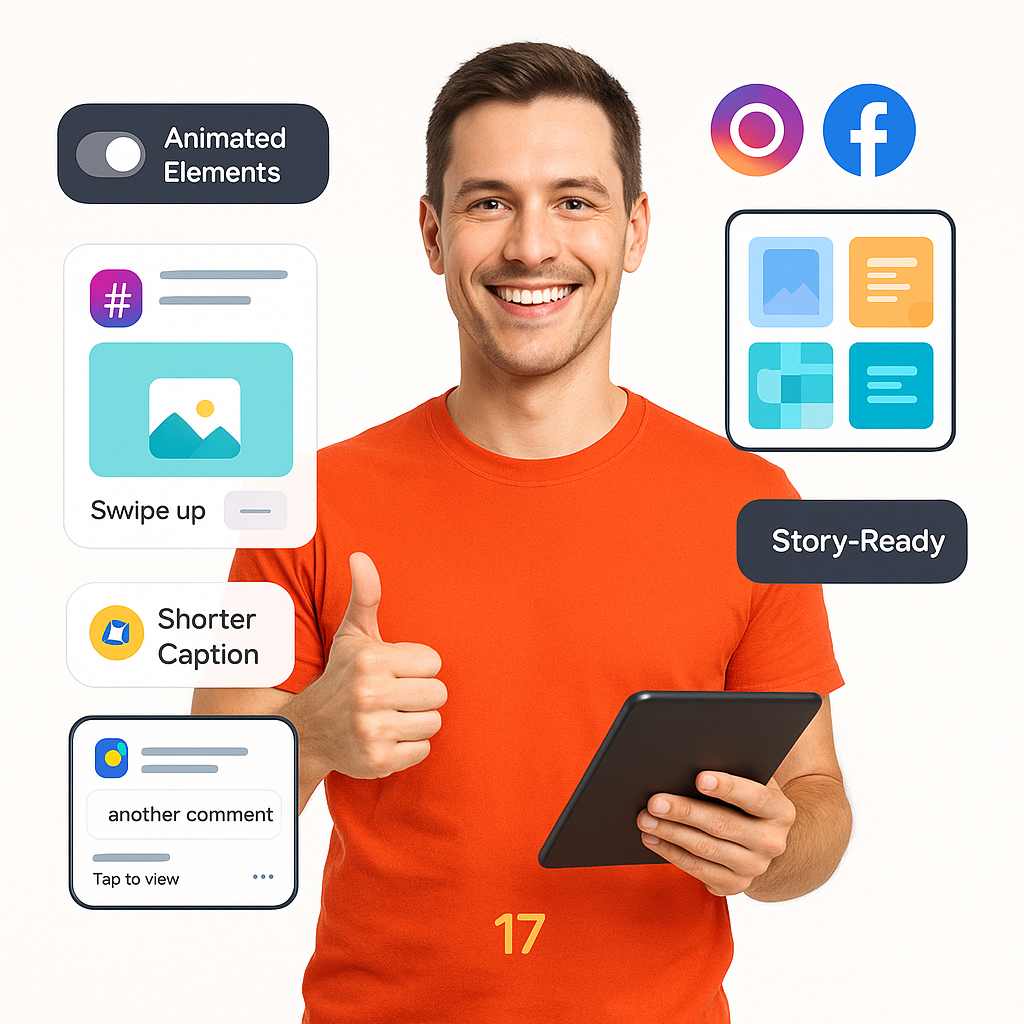
  • Ready-made story designs
  • Great for long hashtags
  • Crop to platform specifications
  • Use animated elements optionally
  • Eye-catching and well-aligned
  • Works for menu and offers
  • Simplifies content strategy
Templates

Auto-Post First Instagram Comment

Schedule your post's first hashtags or secondary info you don't want in the main caption.
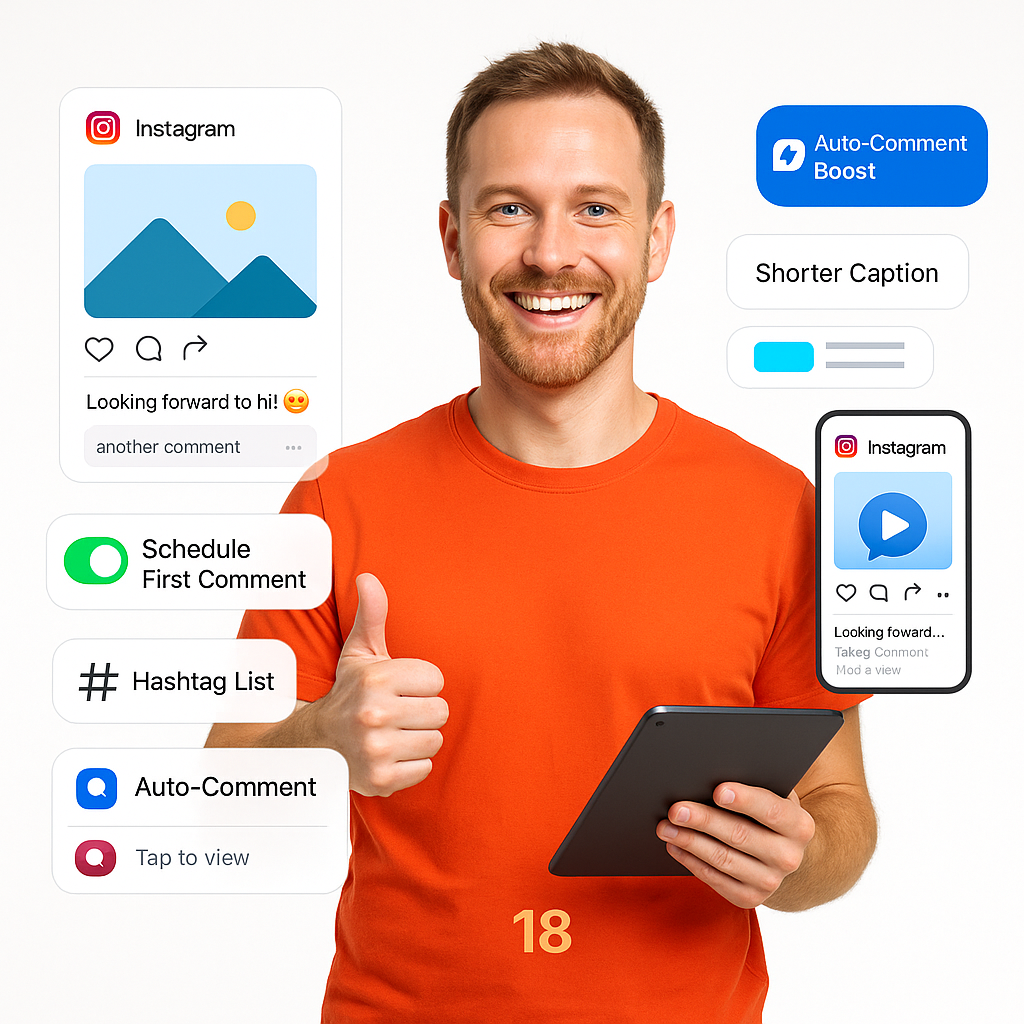
  • Add comment after posting
  • Keeps caption clean and short
  • Schedule post & comment
  • Include comment with title
  • Perfect for menus and offers
  • Supports GIFs, PNG, MP4
  • Simplifies last-minute updates
Comment

Edit Food Images Like a Pro

Enhance your food shots with built-in filters, crop tools, and adjustments – no external apps required.
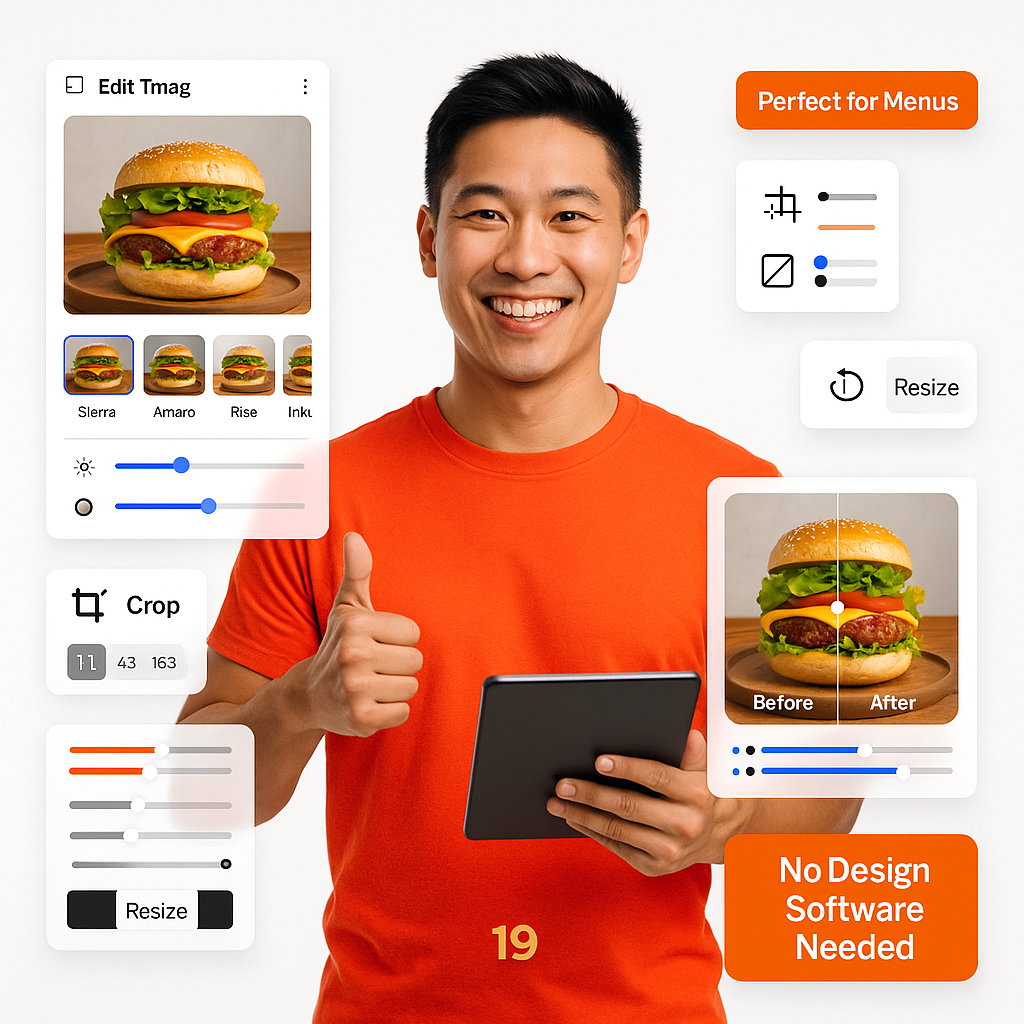
  • Apply filters to food photos
  • Crop platform specifications
  • Upload once, reuse everywhere
  • Resize images automatically
  • Owner approval before posting
  • Perfect for menu and offers
  • Supports GIF, PNG, MP4
Like a Pro

Organize Image & Asset Storage

Store and organize your media assets inside the app – reuse images without re-uploading.
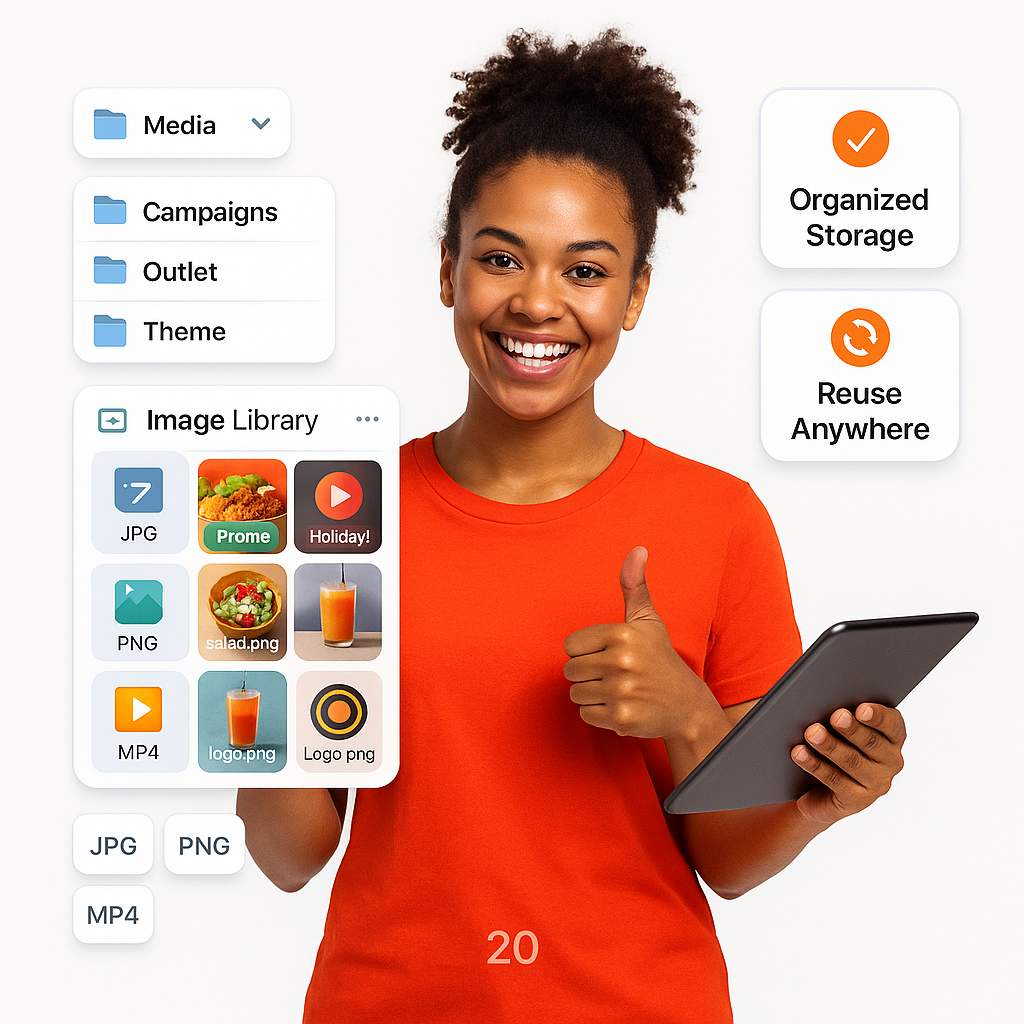
  • Folder structure for campaigns
  • Tag images by theme or outlet
  • Prevent unauthorized posting
  • Preview files before inserting
  • Workflow for team posting
  • Clearer view for busy teams
  • Safe delegation of tasks
Asset Storage

Team Roles with Smart Permissions

Assign roles to team members with permission to design or draft posts, but restrict final publishing.
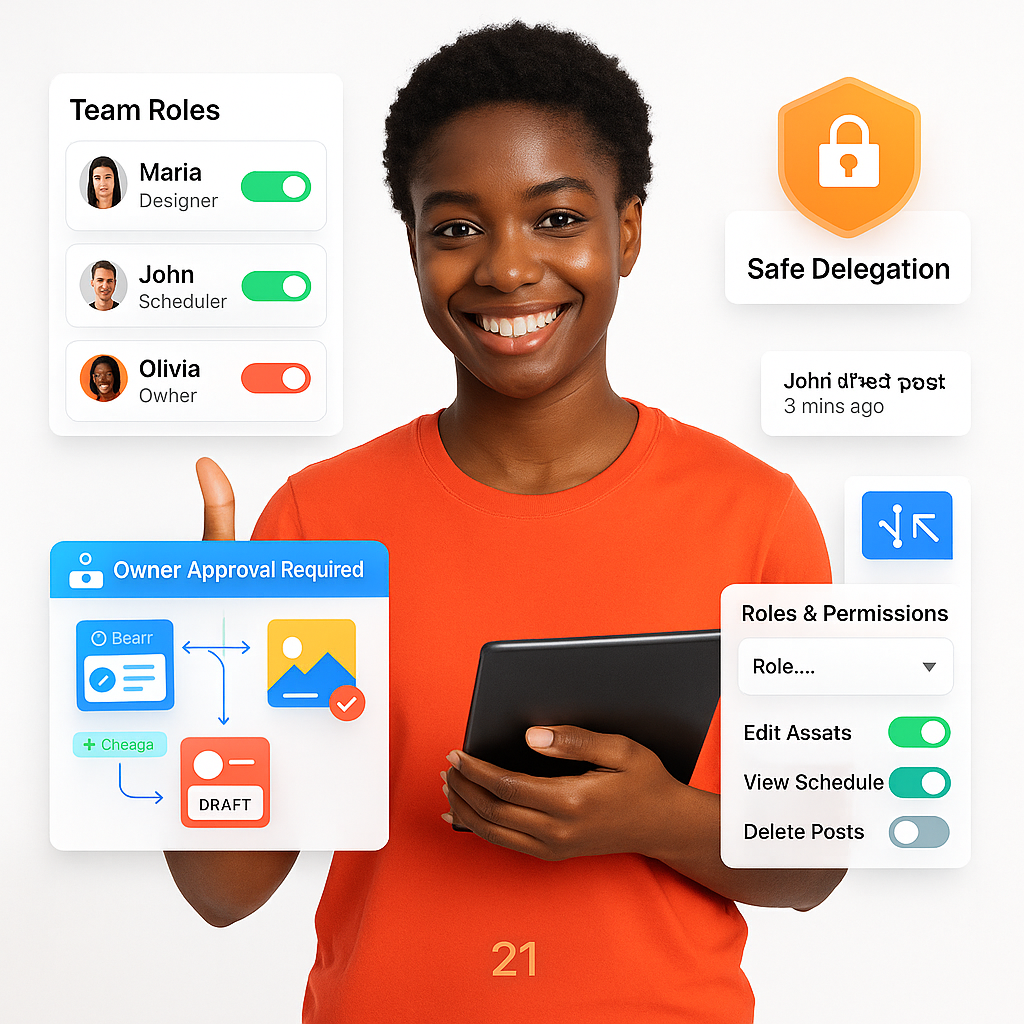
  • Set access by team role
  • Manage users and scheduling rights
  • Speeds up post creation
  • Owner approval before go-live
  • Log activity by user
  • Across branches/outlets
  • Safe sharing with freelance designers
Smart Permissions

Organized Posting by Content Type

Sort your content by category - Offers, Events, Menus, Staff Features - and better campaign organization.
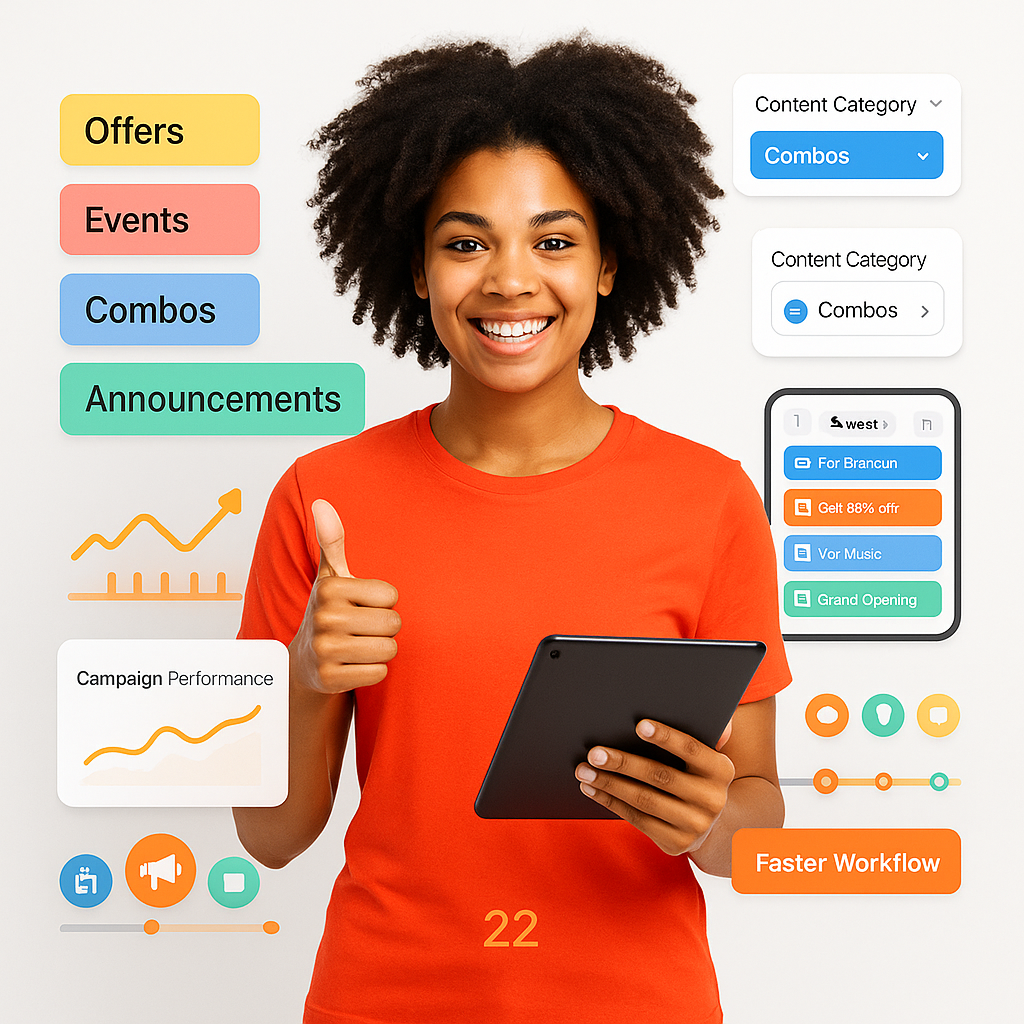
  • Categorize like Offers, Events, Promotions
  • Posts assigned campaign tags
  • Helps reporting and planning
  • Filter by type in calendar
  • Clearer breakdowns
  • Linking Instagram and Facebook
  • Simplifies future strategy planning
Content Type

See How Each Post Performs

Track reach, likes, shares, and engagement – no need to visit each social platform.
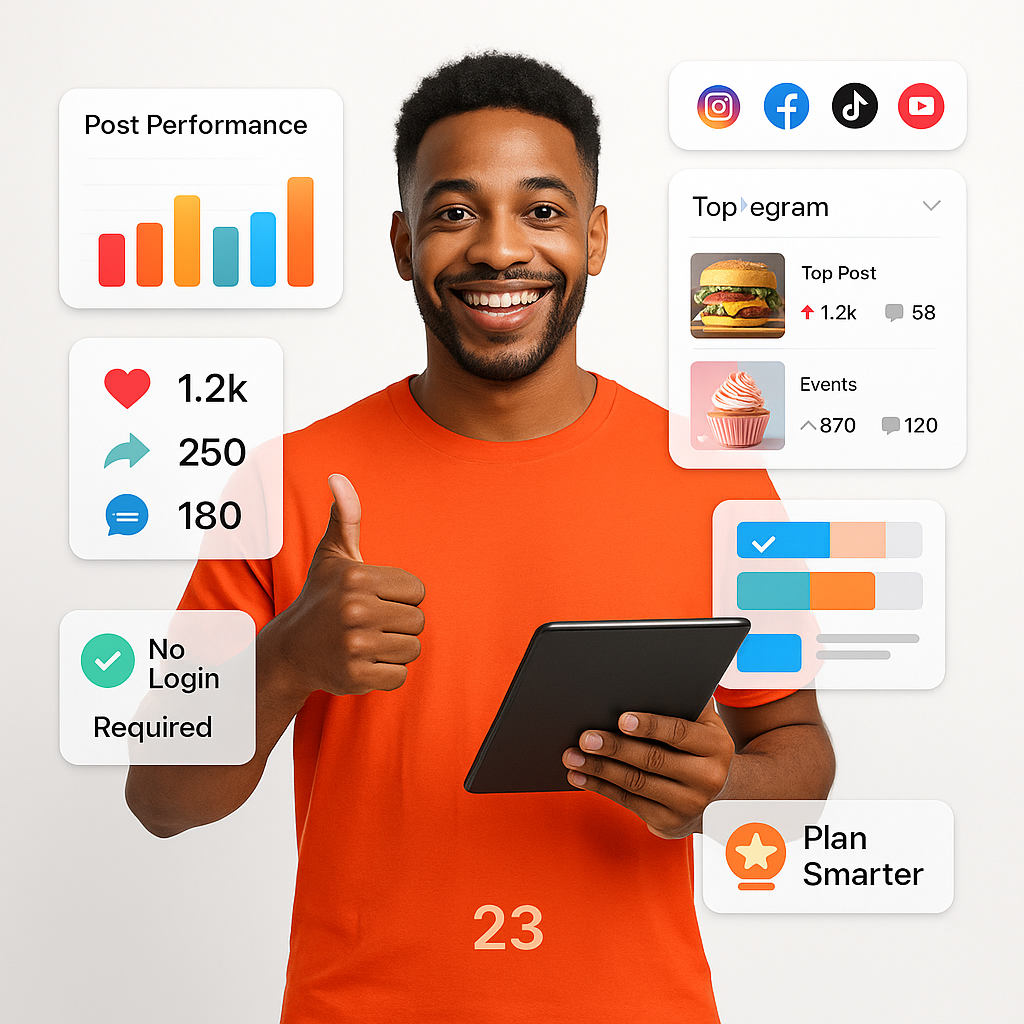
  • Track views and engagement
  • Show which posts performed best
  • Compare across posts and campaigns
  • View data without login
  • Cross-platform insights
  • Tiktok and YouTube analytics
  • Boost visibility and strategy
Performs

Smart Posting Time Recommender

AI suggests the best time to publish posts based on activity, engagement history, and local meal-time behavior.
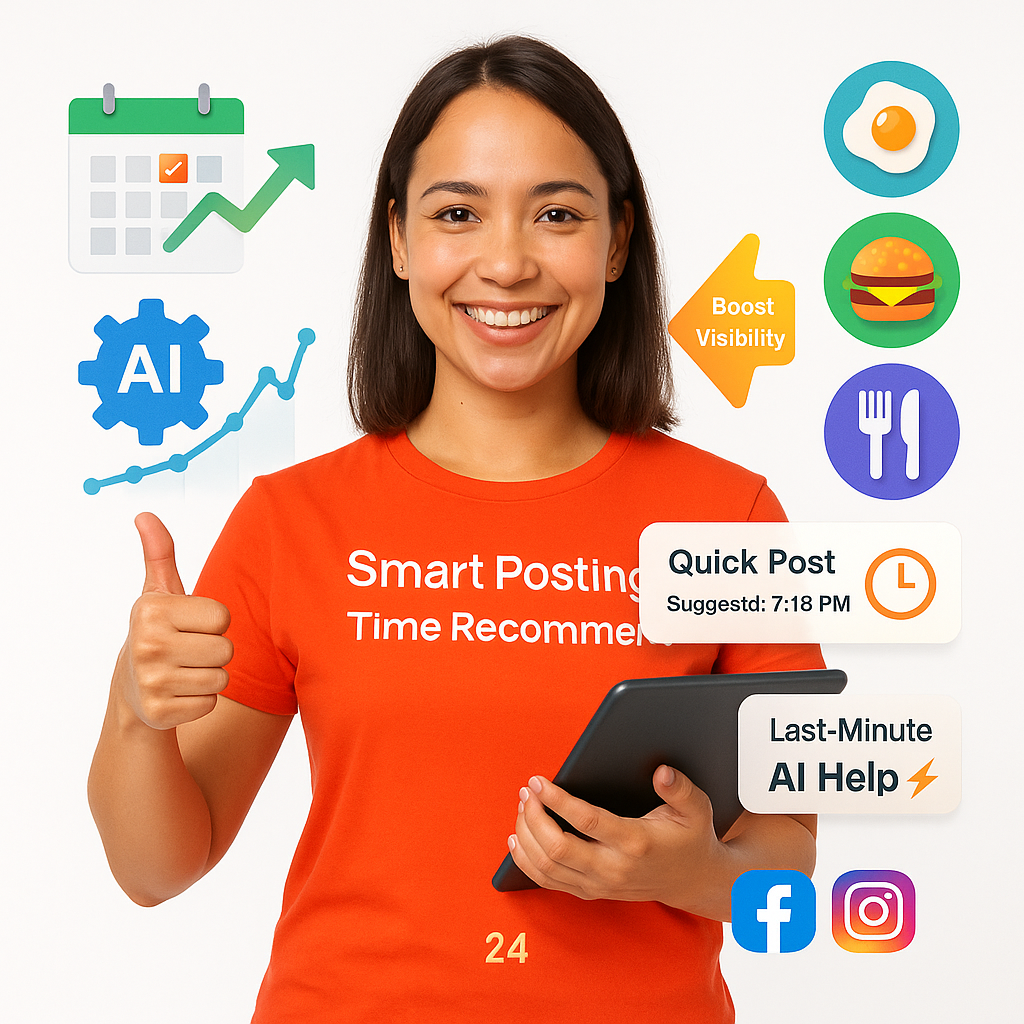
  • AI detects best post times
  • Learns from past engagement
  • Uses local restaurant patterns
  • Great for last-minute scheduling
  • Boosts visibility and interaction
  • Visual calendar tool
  • Suggests specific hours/days
Recommender

Change Tone with One Click

Convert a neutral caption into something more powerful by AI tone matching for each campaign.
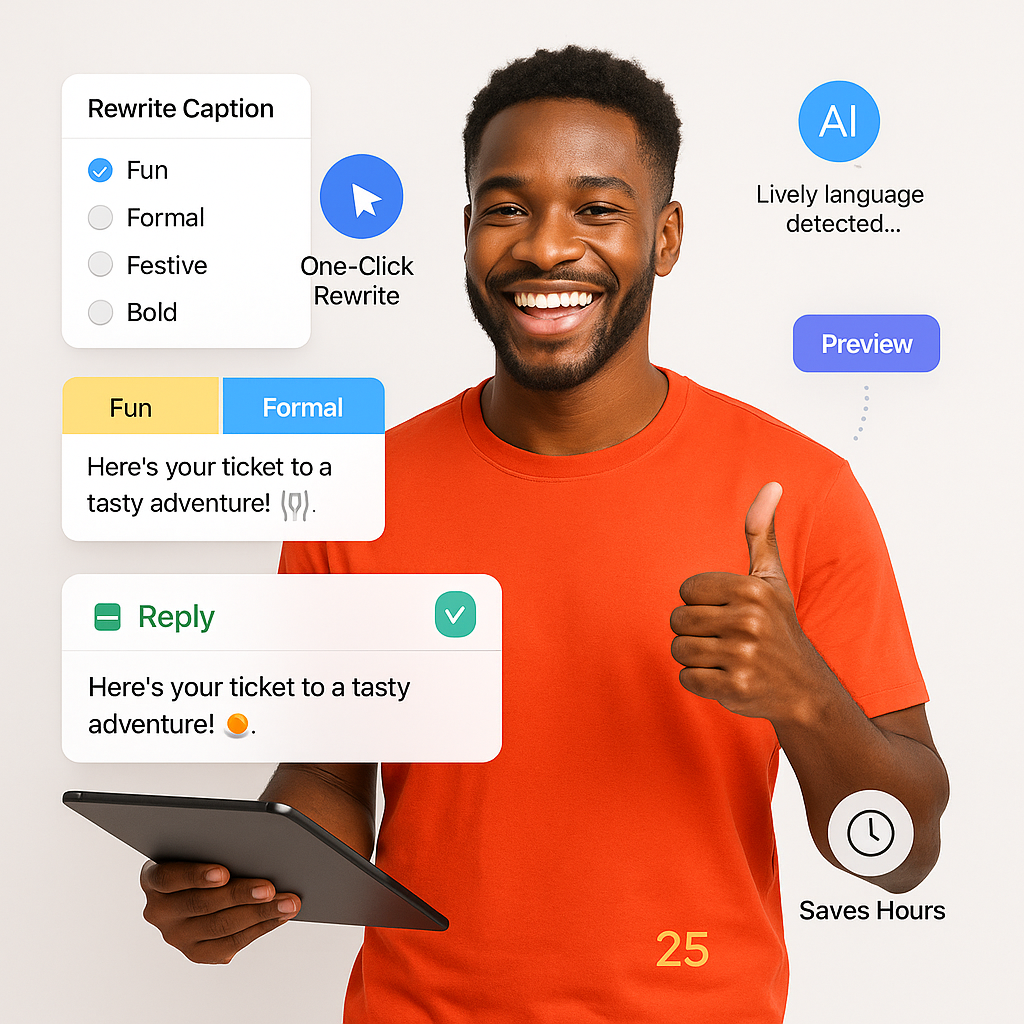
  • Pick tone: fun, formal, festive
  • Keep voice consistent restaurant-wide
  • Auto-adapts caption instantly
  • Preview before replacing text
  • Preview available on screen
  • Works in all post types
  • Saves hours on rewriting
One Click

What Our Customers Are Saying

Why our clients love BrixPOS

Start attracting more clients today!

With BrixPOS you will soon become the talk of the town. More exposure, more profits, and more unforgettable experiences for your customers!