WhatsApp Marketing

Auto-segmented message blasts

Send offers and links to up to 25 smart customer groups using WhatsApp Campaigns synced with CRM.
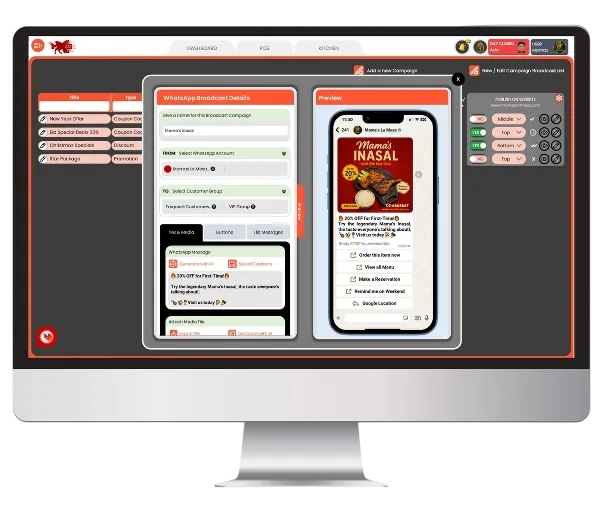
BrixPOS WhatsApp screen

Discover WHY BrixPOS is Your Restaurant's Best Friend

Target Icon
POS-Driven Campaigns

Create once, broadcast everywhere

Promotions made inside BrixPOS automatically generate complete WhatsApp campaigns — with no double work.

Customer targeting in BrixPOS WhatsApp marketing
Smart Customer Targeting

Broadcast only to right customers

Campaigns are sent only to CRM-matched Customer Groups like VIPs, Frequent Diners, or Birthday Guests.
Auto message in BrixPOS WhatsApp marketing
AI Auto-Message Writer

Instantly write campaign messages

BrixPOS uses ChatGPT to craft WhatsApp-ready captions with urgency, emojis, and customer personalization.

Promo image generator in BrixPOS WhatsApp marketing
AI Promo Image Generator

Beautiful designs in seconds

Campaign visuals are automatically created by AI based on your promo type, category, and event.
Cta buttons in BrixPOS WhatsApp marketing
Preloaded CTA Buttons

One-tap action in messages

Instantly add buttons like "Order Now", "Reserve Table", or "View Menu" — increasing interaction and bookings.

Image editing in BrixPOS WhatsApp marketing
Customer Personalization

Hi {Name} in every message

Messages automatically start with each customer's first name — making every offer feel personal and special.
Broadcast scheduling in BrixPOS WhatsApp marketing
Broadcast Scheduling

Send now or schedule later

Choose to post WhatsApp campaigns immediately or set a future time — perfect for weekends and holidays.

Image editing canva in BrixPOS WhatsApp marketing
Editing with Canva/Adobe

Customize banners instantly

If needed, edit AI-generated images using Canva or Adobe Express built right inside BrixSocial — no downloads.

One-Click Campaign from BrixPOS

Create your restaurant promotion once inside BrixPOS – it instantly generates a complete, ready-to-send WhatsApp campaign.
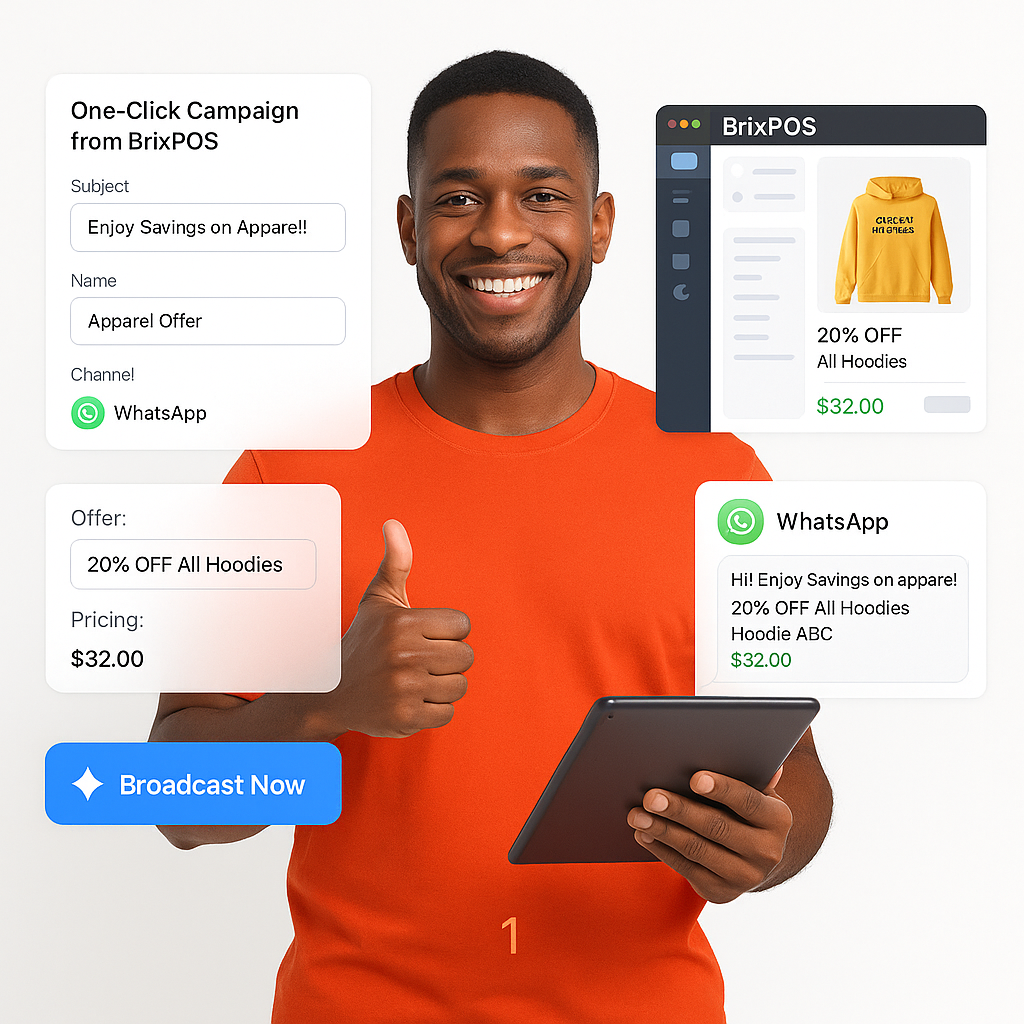
  • Campaign auto-created from POS
  • Pulls offer, items, pricing info
  • Generates caption, image, buttons
  • Direct link to offer or menu
  • Saves owners major time
  • Helps promote without effort
  • Boosts exposure for deals
from BrixPOS

CRM-Based Group Broadcast Targeting

Target campaigns to the exact right customer groups like Diners, VIPs, Birthday Guests, or Weekend Visitors.
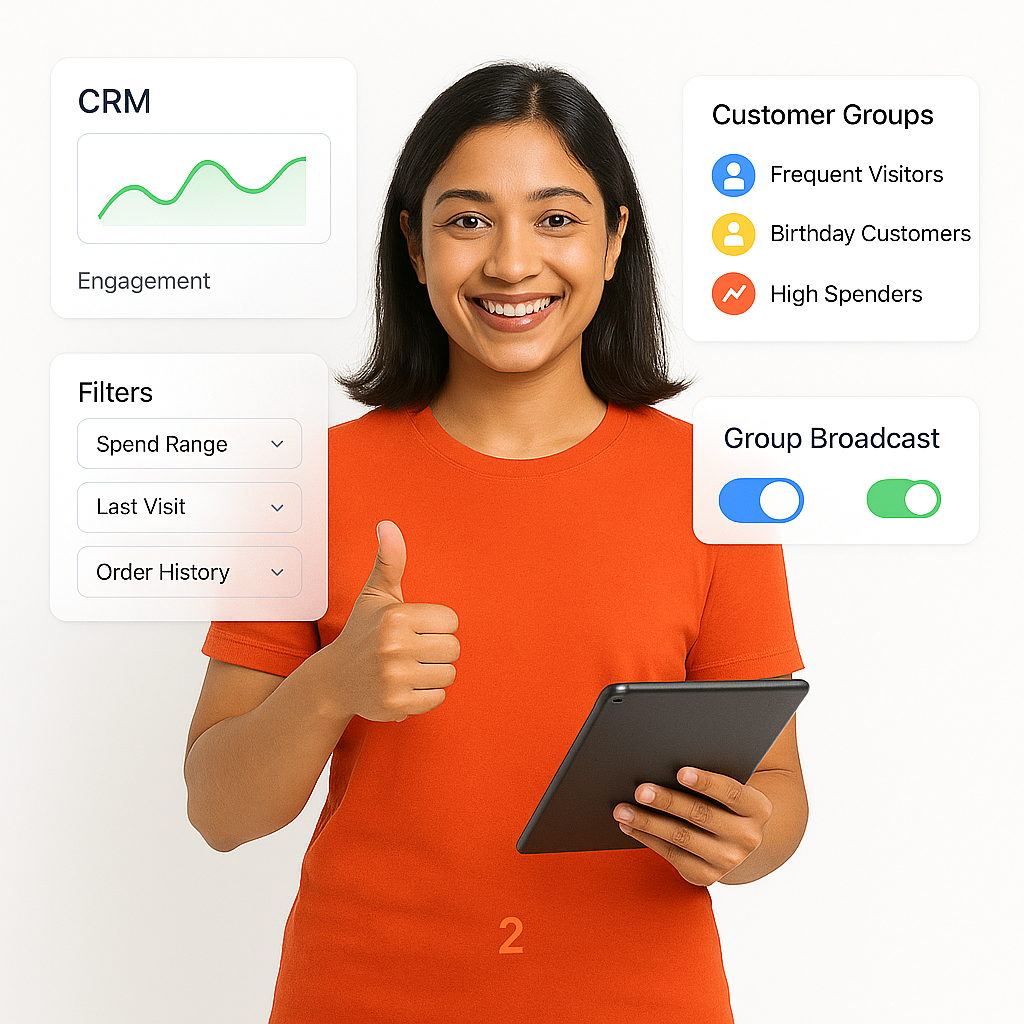
  • Use BrixPOS CRM segmentation
  • Filter by spend, visit frequency
  • Birthday, anniversary auto-campaigns
  • Choose audience from CRM
  • No external tagging required
  • Increases customer loyalty
  • Maximizes re-engagement rate
Targeting

ChatGPT-Driven Promo Message Creator

Use the power of ChatGPT AI to automatically write catchy, engaging, WhatsApp promotional messages for your offers.
  • Auto-write message in seconds
  • Adds emojis, urgency for action
  • Great for last-minute offers
  • Helps in creative writing
  • Professional captions always
  • Saves time and effort
  • Boosts customer response
Message Creator

Auto-Create Promo Visuals Instantly

AI generates restaurant-specific poster/banners automatically based on offer, price, and campaign category.
  • Auto-selects best template
  • Suggests creative designs
  • Instant social media ready image
  • Fixes grammar/spelling automatically
  • Perfect even while offline
  • No manual design required
  • Canva/Adobe editor optional
Visuals Instantly

One-Tap Action Buttons in Messages

Add smart, clickable buttons like 'Order Now', 'Reserve Table' directly inside your WhatsApp campaign.
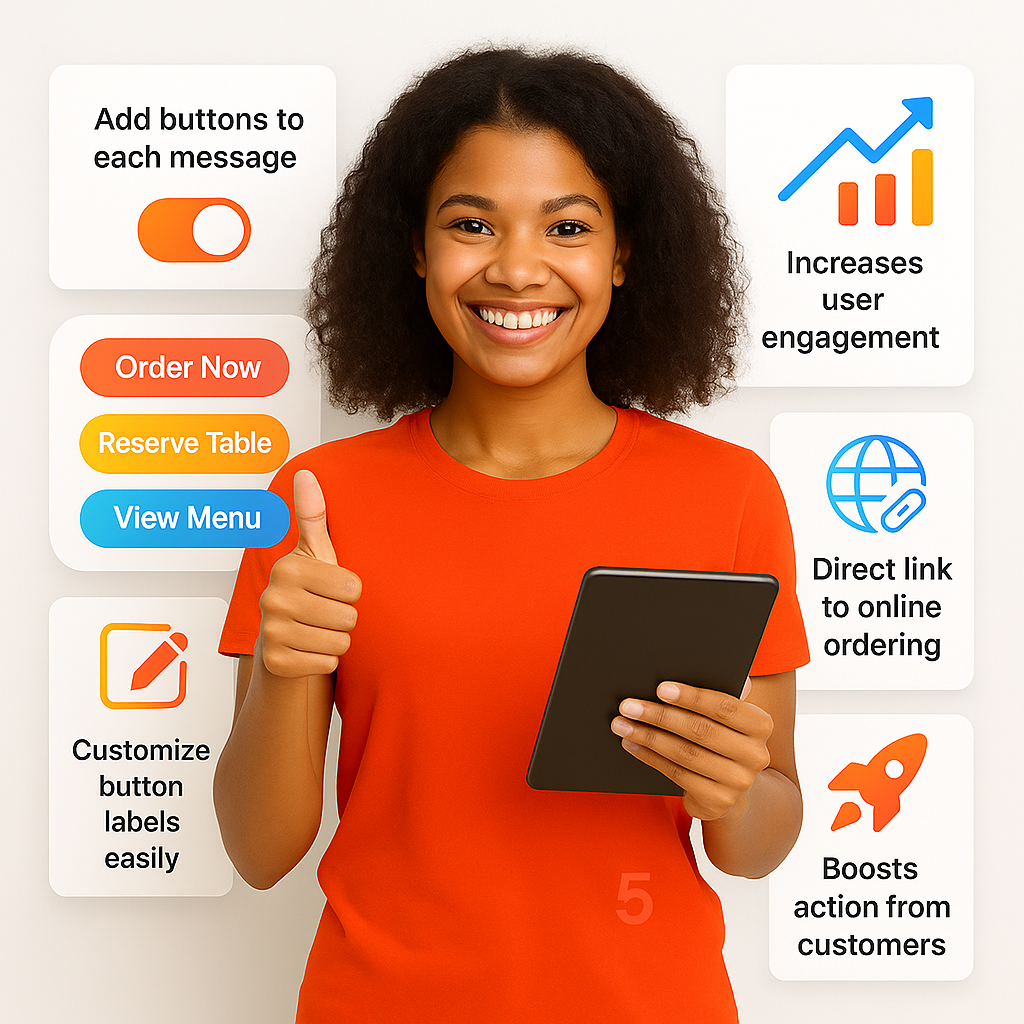
  • Add buttons to each campaign
  • Increases user engagement instantly
  • Insert call-to-action buttons easily
  • Better than plain messages
  • Direct link to order platforms
  • Boosts online orders directly
  • Enhances customer loyalty
in Messages

Dynamic Name Insertion in Message

Personalize each WhatsApp message with the customer’s first name without needing to manually edit each campaign.
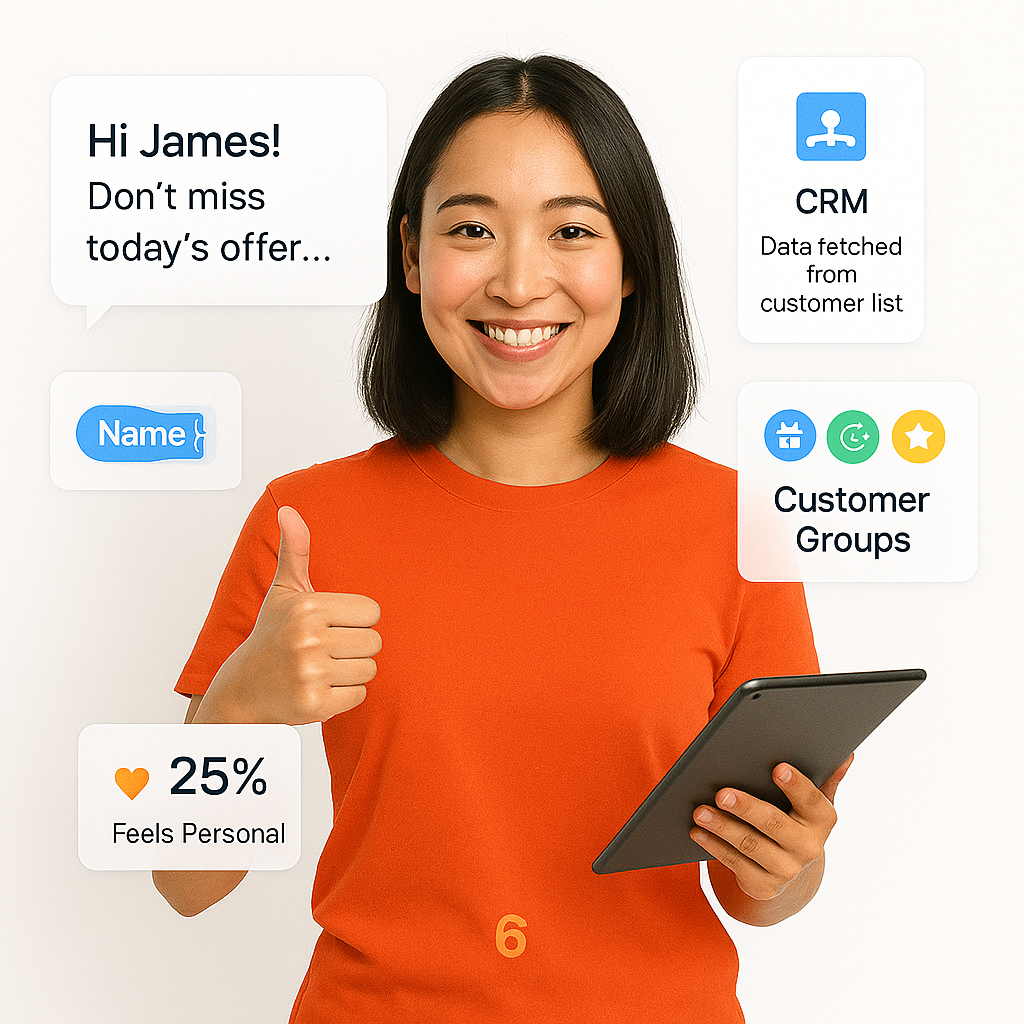
  • Dynamic personalization
  • Works for all customer groups
  • Add name field in message
  • Makes messages feel 1-on-1
  • Saves rework for teams
  • Perfect for retention
  • Adds emotional value
in Message

WhatsApp Campaign Scheduling Tool

Set your WhatsApp message to go live on a future date and time – fully automated.
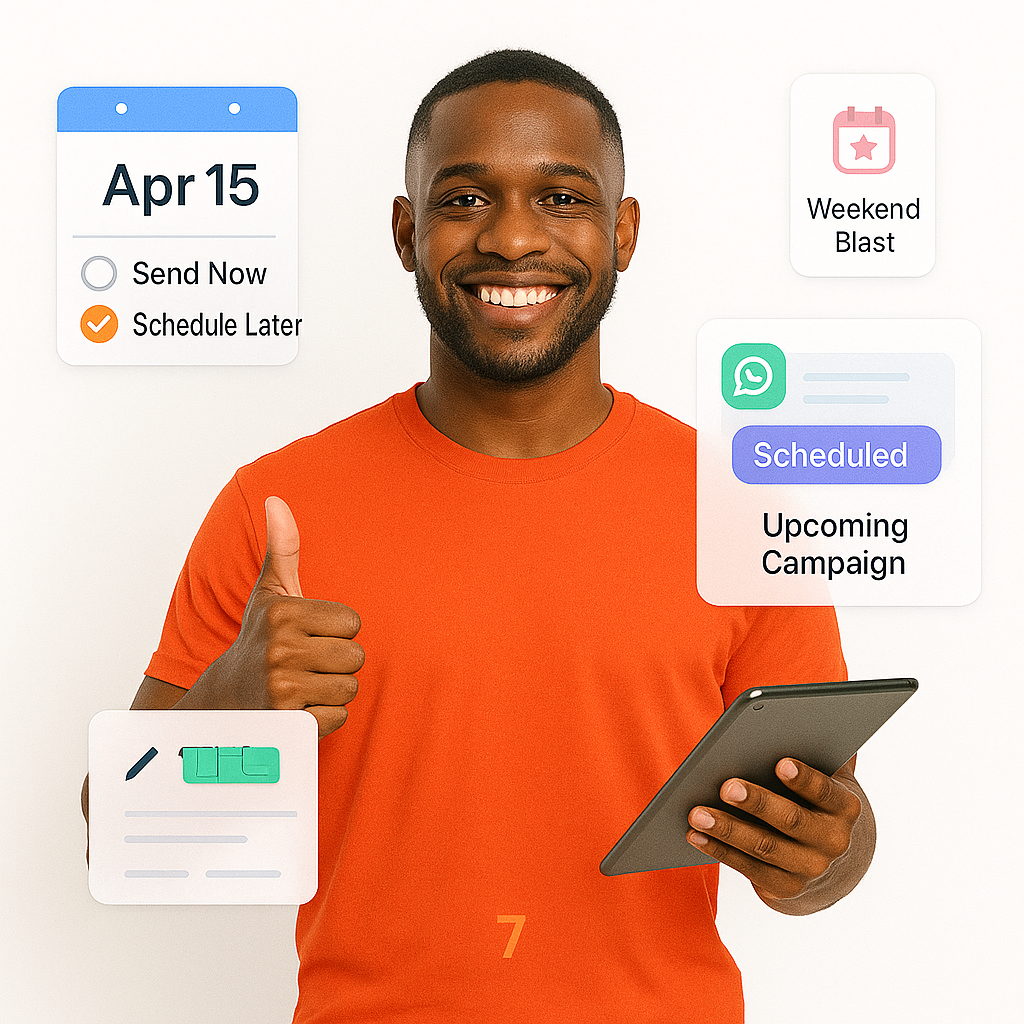
  • Preset send now/later time
  • Ideal for holiday promotions
  • Helps scheduling during rush
  • Handles late-night campaigns
  • Auto-manages message sending
  • Never miss peak sending times
  • Ensures timely customer reach
Scheduling Tool

Edit Campaign Visuals Effortlessly

Open Canva or Adobe Express directly from BrixPOS campaign editor to customize campaign images effortlessly.
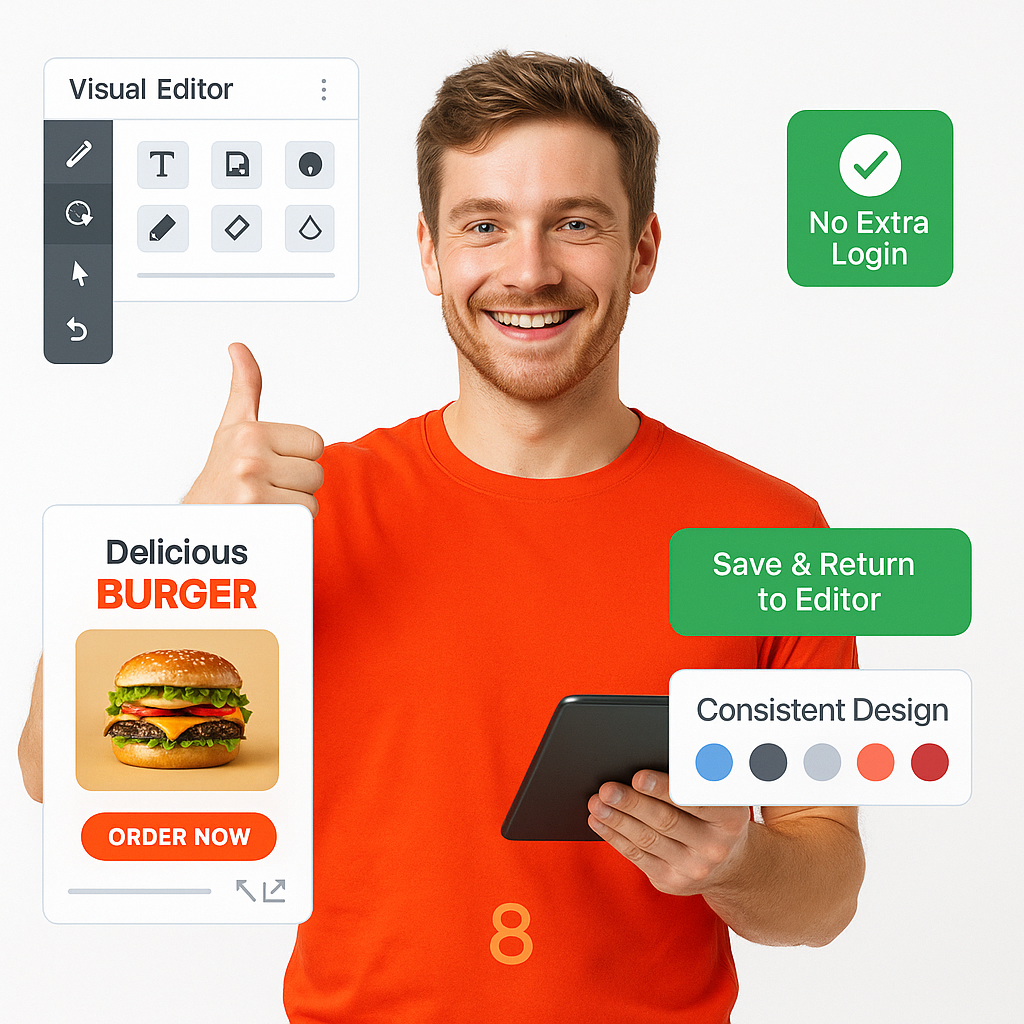
  • Direct launch into Canva/Adobe
  • Use pro food templates inside
  • No external logins required
  • Fits branding easily
  • Resize or reposition inside BrixSocial
  • Save customized designs quickly
  • CAM always synced live
Effortlessly

Use Pre-Saved Customer Groups

Quickly select from saved CRM segments like VIPs, Birthday Customers when setting up a broadcast.

  • Pre-built customer filtering
  • Frequent, High Spender, Birthday lists
  • Faster targeting each time
  • Auto-segment saving enabled
  • CRM always synced live
  • Export customer groups if needed
  • Perfect for repeat marketing
Customer Groups

Monitor Campaign Status Live

Track how many WhatsApp messages were delivered, seen, clicked – all shown live with entry options.
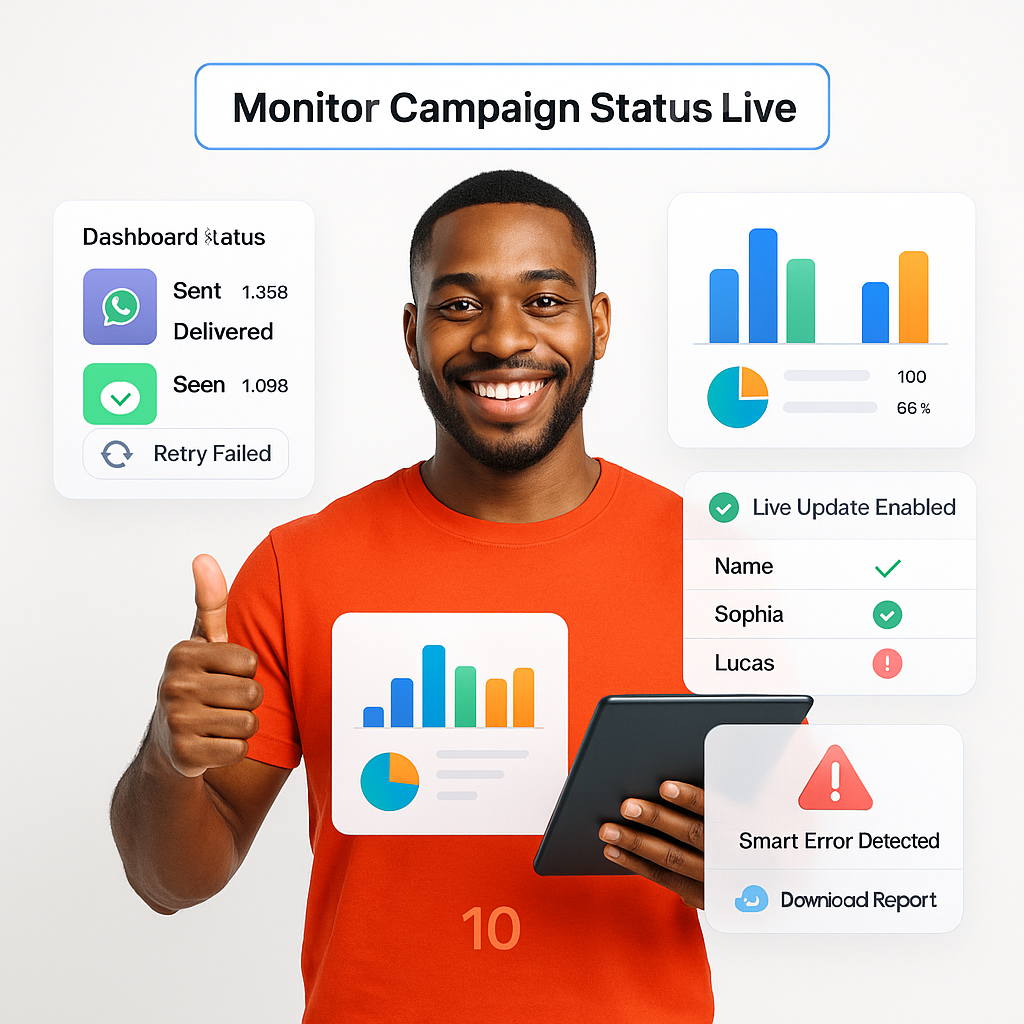
  • View sent, delivered, seen status
  • See customer-wise delivery info
  • Real-time dashboard reporting
  • Track link performance instantly
  • Monitor CTR (click-through-rate)
  • Instant status alert dashboard
  • Smart error detection built-in
Status Live

Link POS Coupons to Campaigns

Easily attach existing BrixPOS coupons to WhatsApp campaigns to track redemptions directly inside POS.
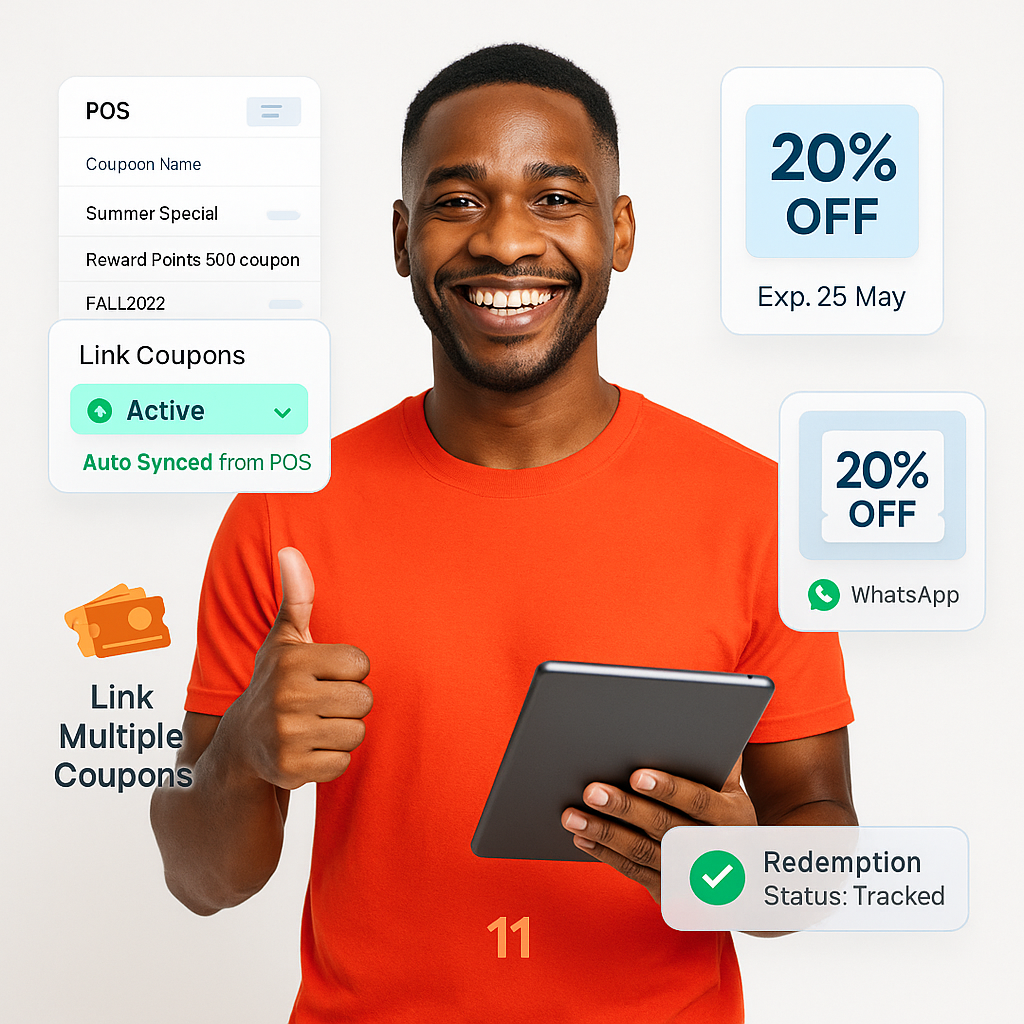
  • Select active coupons
  • Auto-sync from POS
  • Auto-insert coupon links
  • Manage multi-outlet campaigns
  • Personalize offers better
  • Enhance redemption rates
  • Increases total redemptions
Coupons to Campaigns

Celebrate Customers Automatically

Automatically send birthday or anniversary messages to customers with no added effort required.
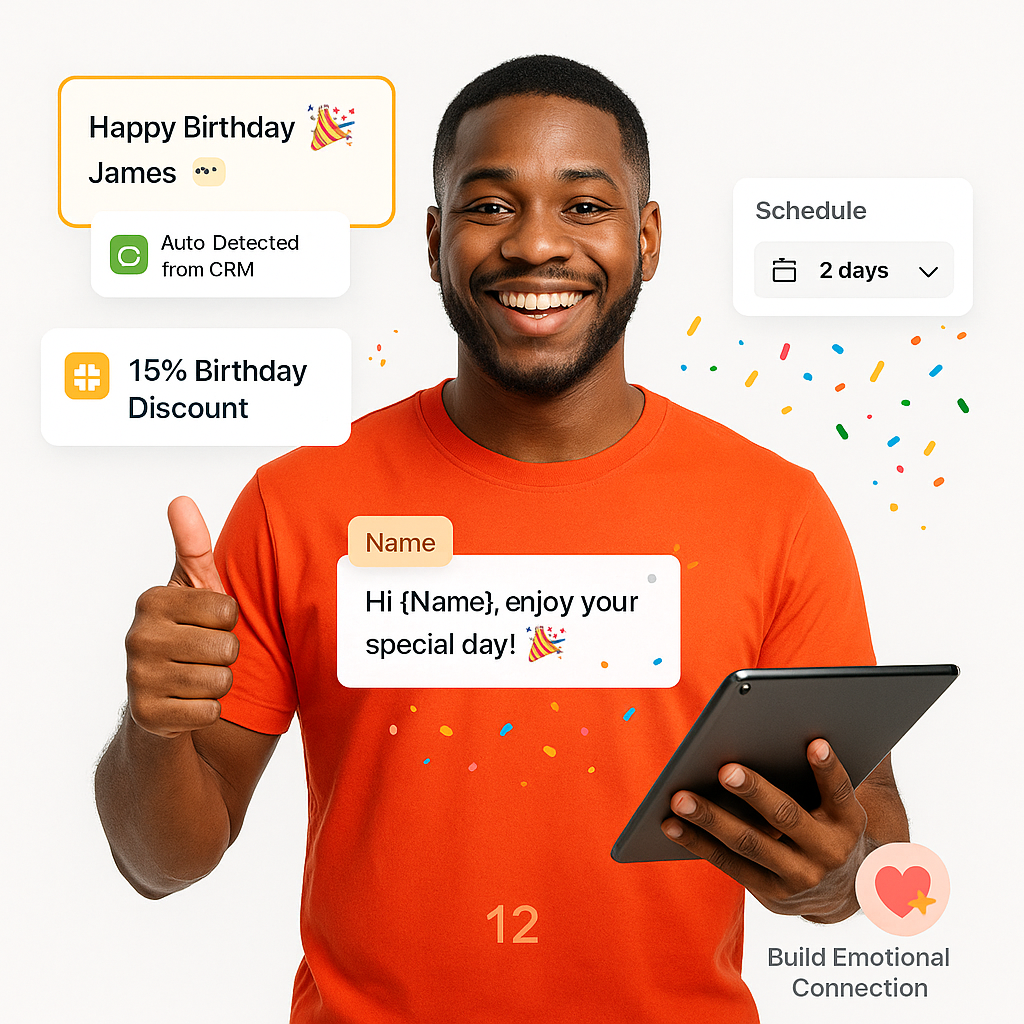
  • Detect special dates from CRM
  • Auto-create celebratory messages
  • Attach birthday discount easily
  • Auto-reminders for event offers
  • Helps customer loyalty grow
  • Perfect CRM personalization
  • Build joyful through emotions
Automatically

Send Follow-Up WhatsApp Reminders

Automatically send reminder messages to customers who didn’t respond to the first WhatsApp broadcast or promotion.
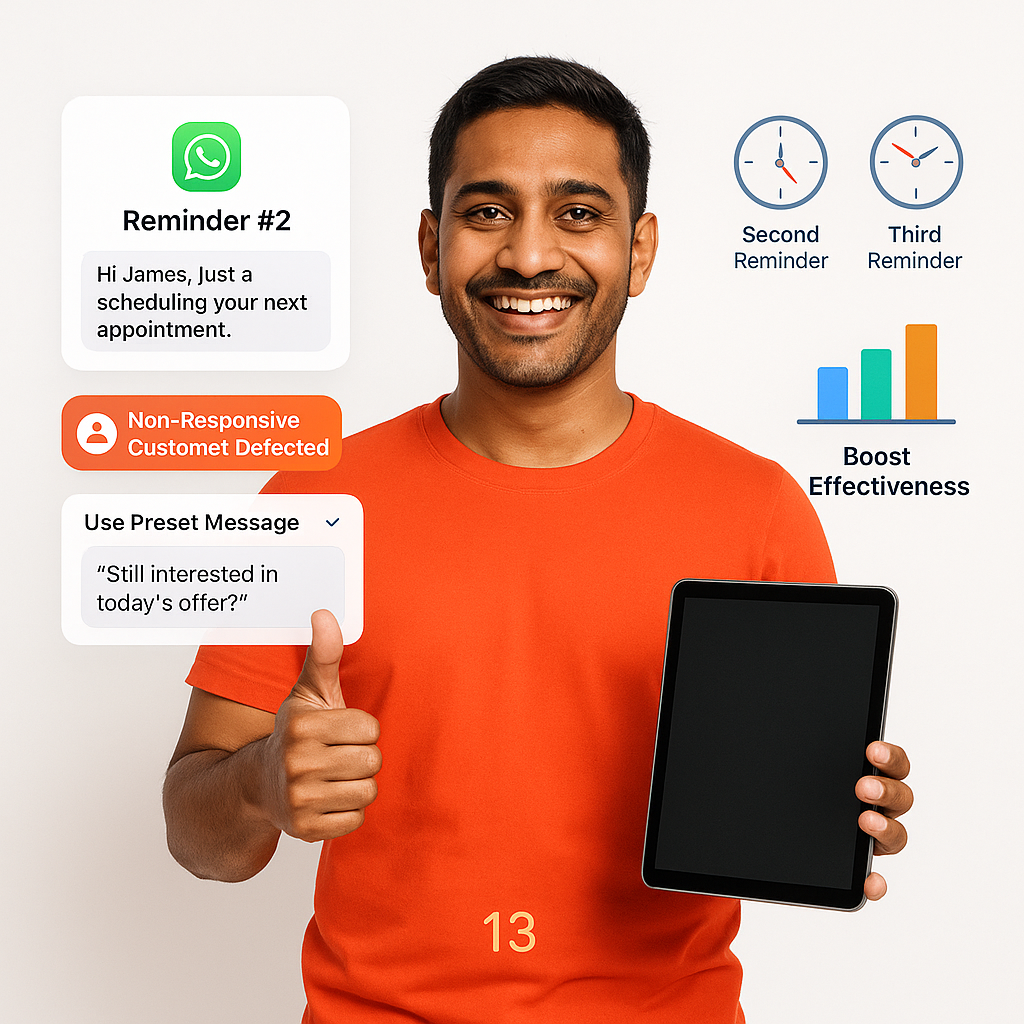
  • Auto-detect non-responsive customers
  • Schedule second reminder messages
  • Increase redemption and action rates
  • Manage multi-outlet reminders
  • Boosts message success
  • Higher re-engagements
  • Better promotional effectiveness
WhatsApp Reminders

Target Customers by Order History

Send WhatsApp campaigns to customers segmented by their last visit, frequency, or spend history.
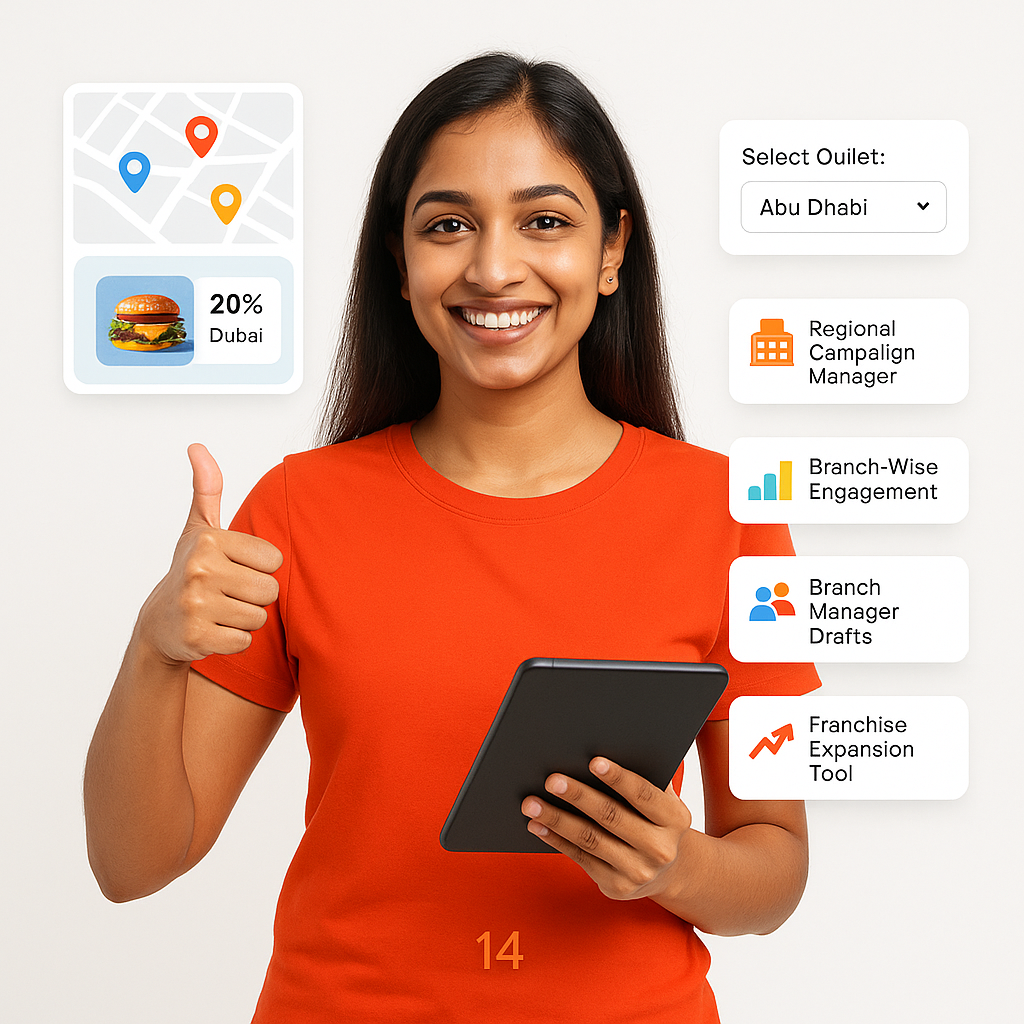
  • Select branch-specific customer lists
  • Select frequent buyer lists
  • Personalize loyalty coupons
  • Offer loyalty bonuses automatically
  • Manage multi-location campaigns
  • Enhance retention and loyalty
  • Great for growth strategy
by Order History

Reward Top-Spending Customers

Identify high-value customers through spending and send thank-you messages automatically via WhatsApp.
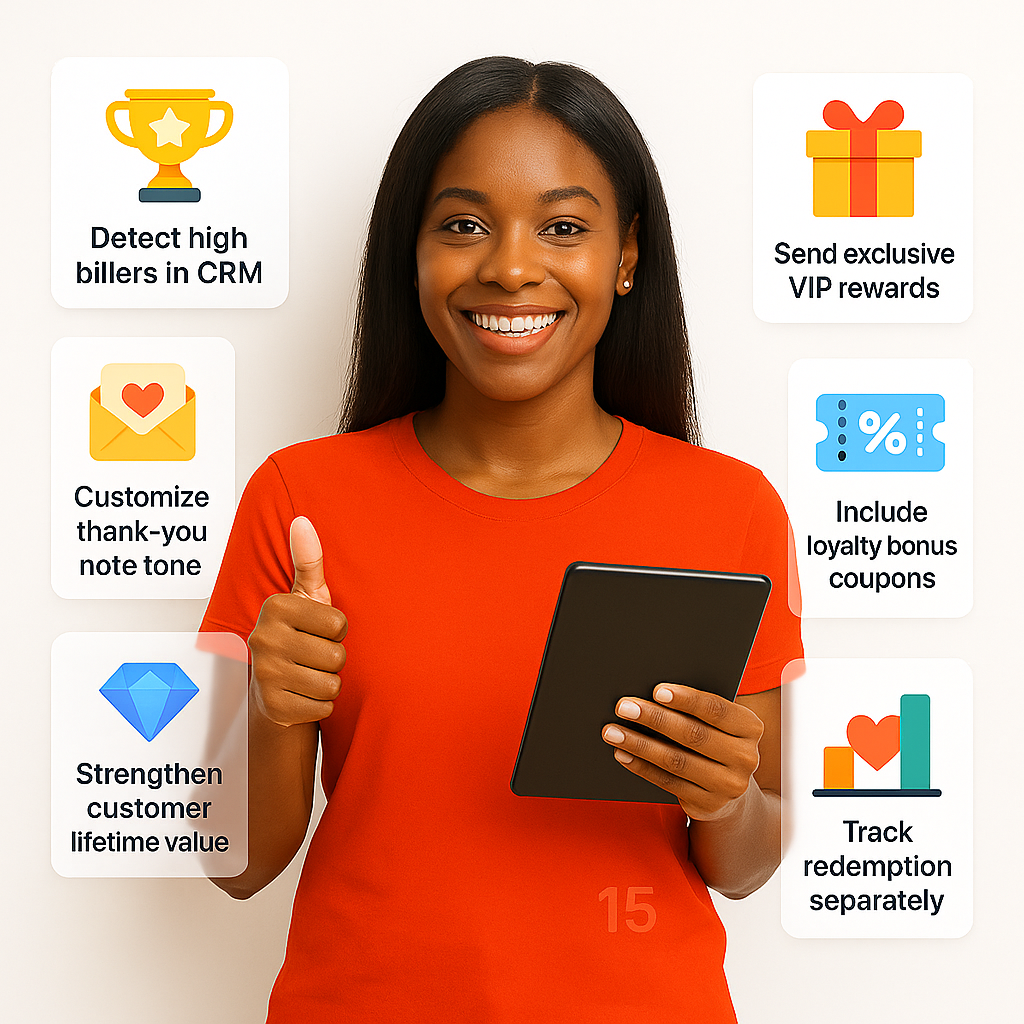
  • Detect high billers in CRM
  • Attach exclusive VIP rewards
  • Customize thank-you note tone
  • Include loyalty bonus coupons
  • Extend customer lifetime value
  • Build stronger emotional loyalty
  • Track redemption separately
Customers

Auto-Expire Campaigns with Offers

Campaigns linked to coupons or promotions automatically expire after set validity dates – avoiding customer confusion.
  • Auto-sync offer expiry dates
  • No outdated messages sent
  • Auto-cancel non-valid offers
  • Include loyalty bonus expiring
  • Protect brand trust and clarity
  • Works across branches if needed
  • Updates show in campaign logs
with Offers

Welcome Messages for New Customers

Automatically send a welcome WhatsApp when a customer visits your restaurant for the first time.
  • Detects first-time customer visit
  • Attach first-visit discount coupon
  • Send welcome note automatically
  • Great for building loyalty instantly
  • Boosts second-visit conversion rate
  • Strengthens brand loyalty early
  • Automated via CRM tagging
for New Customers

Shorten and Track Campaign Links

Generate short, branded links for offers, menus, or reservations inside WhatsApp campaigns for easy sharing.
  • Shorten offer or menu links
  • Works for buttons or plain text
  • Built-in click tracking enabled
  • Tracks link performance in dashboard
  • Short URL looks professional
  • Monitor link activity by campaign
  • Improves brand visibility perception
Campaign Links

Bilingual WhatsApp Broadcast Support

Send campaigns in two languages simultaneously - perfectly formatted bilingual WhatsApp messages and buttons.
  • Bilingual, Tagalog, Hindi supported
  • Proper LTR and RTL formatting
  • Better marketing reach
  • Boosts accessibly to diverse audiences
  • Boosts marketing accessibility rate
  • Cross-language support instantly
  • Improves brand inclusivity perception
Broadcast Support

Send WhatsApp Menu Lists Easily

Send structured WhatsApp list messages making it easy for customers to select from food or menu offers easily.
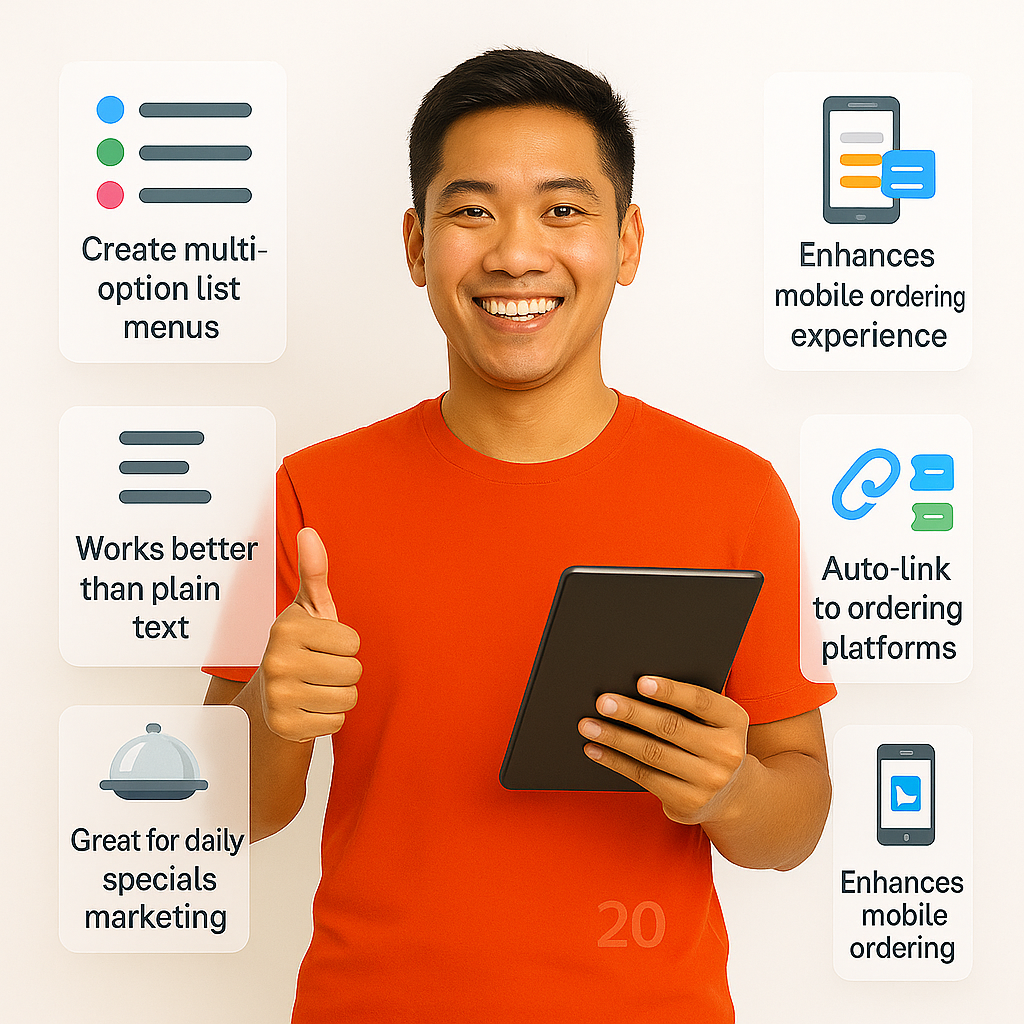
  • Create multi-option list menus
  • Works better than plain text
  • Dropdown style messaging
  • No confusion while ordering
  • Great for daily specials marketing
  • Easier navigation experience
  • Smart restaurant alert inclusion
Lists Easily

Manage Broadcast Sends with Max Reach

Automatically stop sending WhatsApp messages once the maximum number of coupon redemptions or slots are filled.
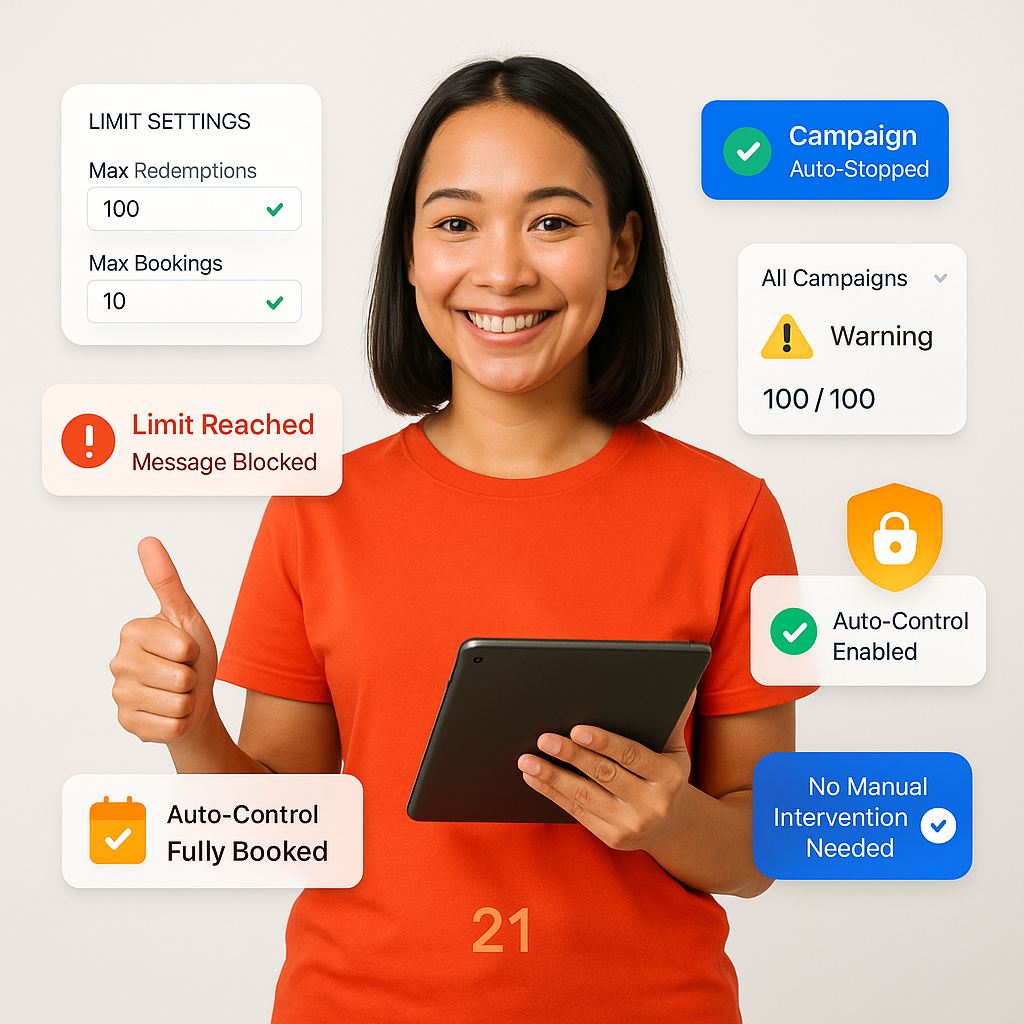
  • Auto-stop when hitting booking limits
  • Prevents overbooking or overselling
  • Great customer satisfaction
  • Boosts foot traffic effortlessly
  • Pre-written text with emoji included
  • Strengthens online branding consistency
  • Perfect for fast marketing execution
with Max Reach

Share Google Map Location in Message

Add a clickable location button inside WhatsApp campaigns so customers can easily find your restaurant on Google Maps.
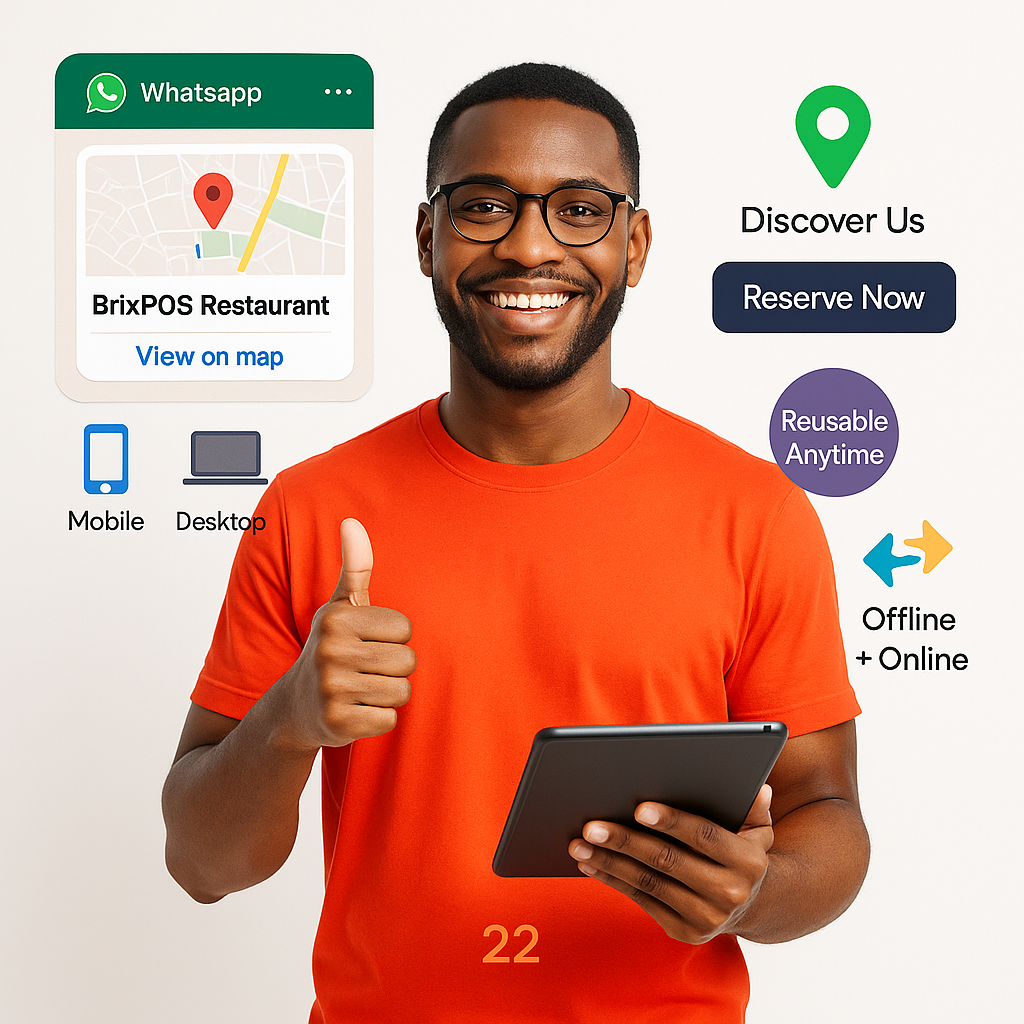
  • Add live Google Maps link
  • Works on mobile and desktop
  • Boosts restaurant discoverability
  • Shortens reservation process
  • Boosts mobile ordering experience
  • Saves last minute confusion
  • Perfect for last-minute event campaigns
in Message

Easy-to-Draft Campaign Message Format

Access pre-built WhatsApp templates for Birthday Deals, Holiday Promotions, Flash Sales, and New Launches.
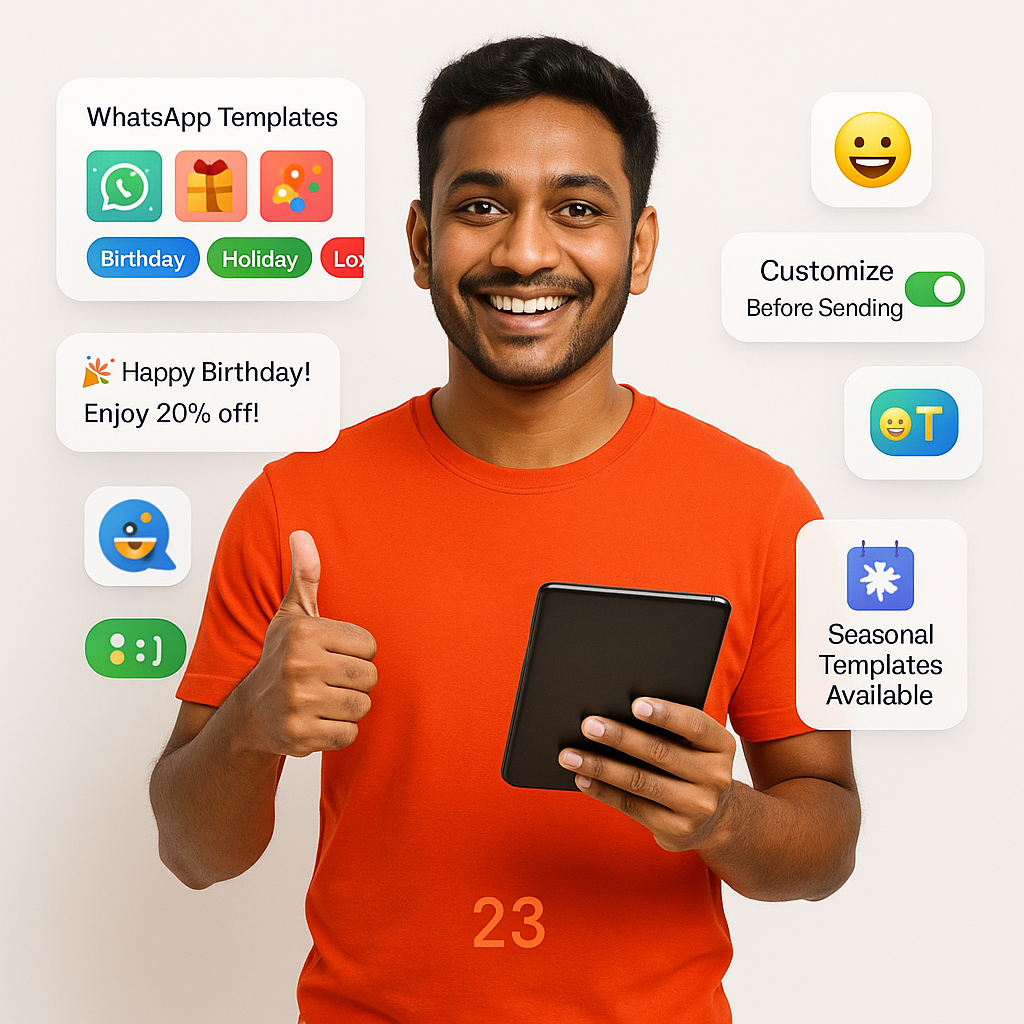
  • Access festive promo templates
  • Add optional reminder time button
  • Short setup and faster launch
  • Best for weekly specials
  • Saves campaign setup each time
  • Increases sending consistency
  • Lowers campaign preparation errors
Message Format

Schedule Future Reminder Messages

Add a 'Remind Me Later' button in WhatsApp – schedule follow-up reminder campaign if the customer taps it.
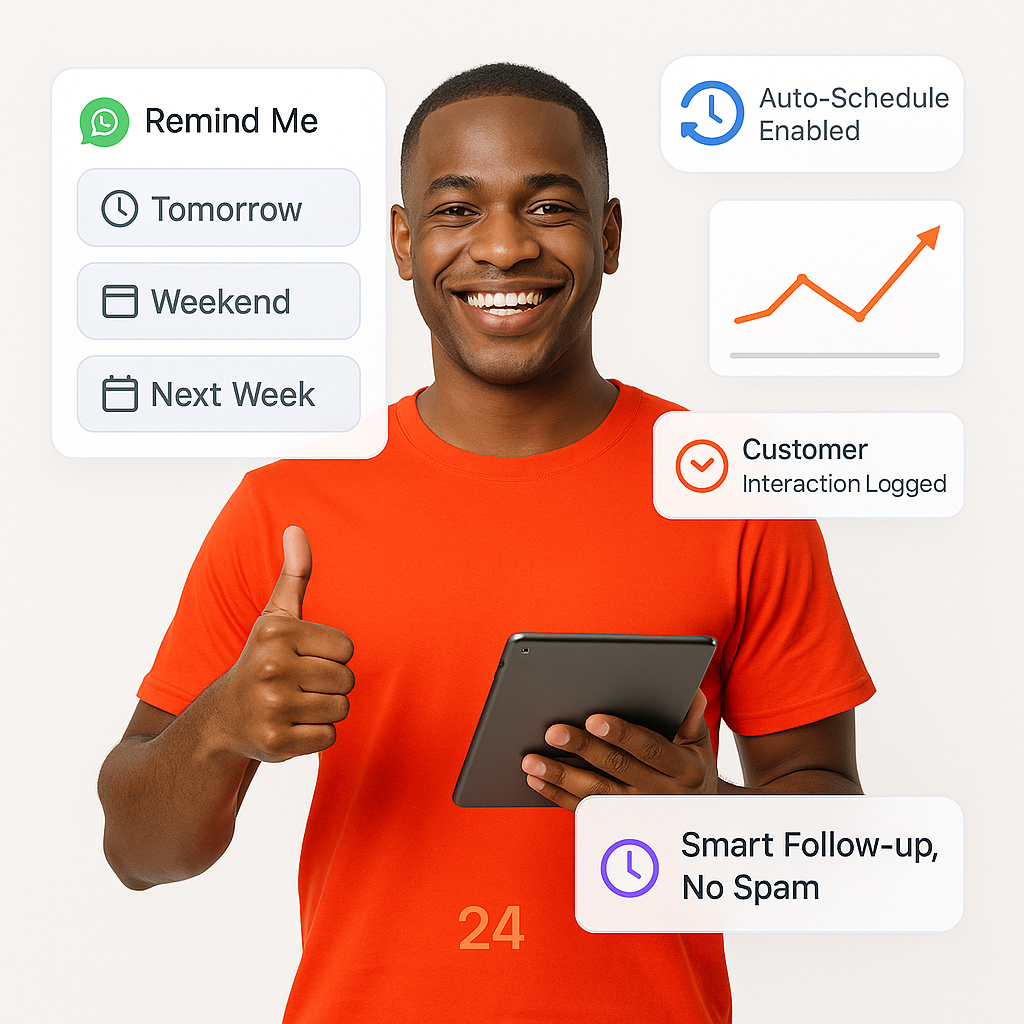
  • Add optional Remind Me button
  • Great for weekend or event campaigns
  • Boosts response rates over time
  • Customizable reminder sending
  • Easy customer reminder tagging
  • Logs customer interaction for analysis
  • Perfect for repeat marketing
Messages

Manage Staff Access to Campaigns

Allow staff to draft WhatsApp campaigns but require owner or manager approval before final broadcast – keeping control centralized.
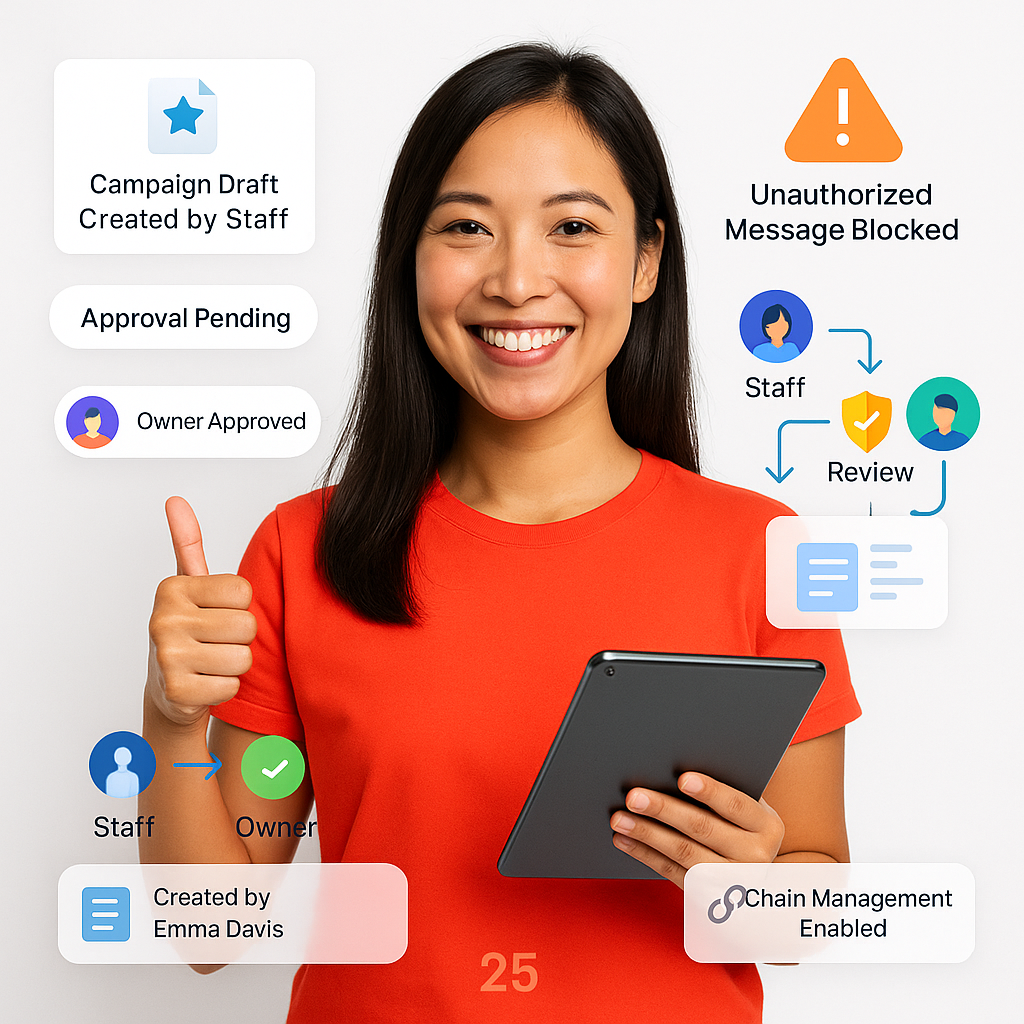
  • Staff can create drafts only
  • Owners approve final campaigns
  • Protects brand tone and consistency
  • Prevents unauthorized message sending
  • Boosts owner control without slowing
  • Maintains brand consistency perfectly
  • Perfect for franchises and chains
to Campaigns

What Our Customers Are Saying

Why our clients love BrixPOS

Start attracting more clients today!

With BrixPOS you will soon become the talk of the town. More exposure, more profits, and more unforgettable experiences for your customers!